Shopping Across Borders on Shopee, Lazada, and Amazon: Payment and Account Safety
Safer cross-border shopping starts with paying through the official checkout, checking the seller and return terms, and protecting the account that holds your order history. Unexpected payment or refund messages should be verified by opening the shopping app yourself. A VPN can reduce exposure on an unfamiliar network, but it cannot certify a seller, recover a payment, or make a fraudulent shop trustworthy.
Follow the order, rather than the message
A shopper in Manila might order an accessory through Lazada, while someone in Singapore buys from Shopee or an overseas Amazon seller. The weak point often appears after checkout: a message says the parcel needs an extra fee, the card failed, or a refund requires another payment.
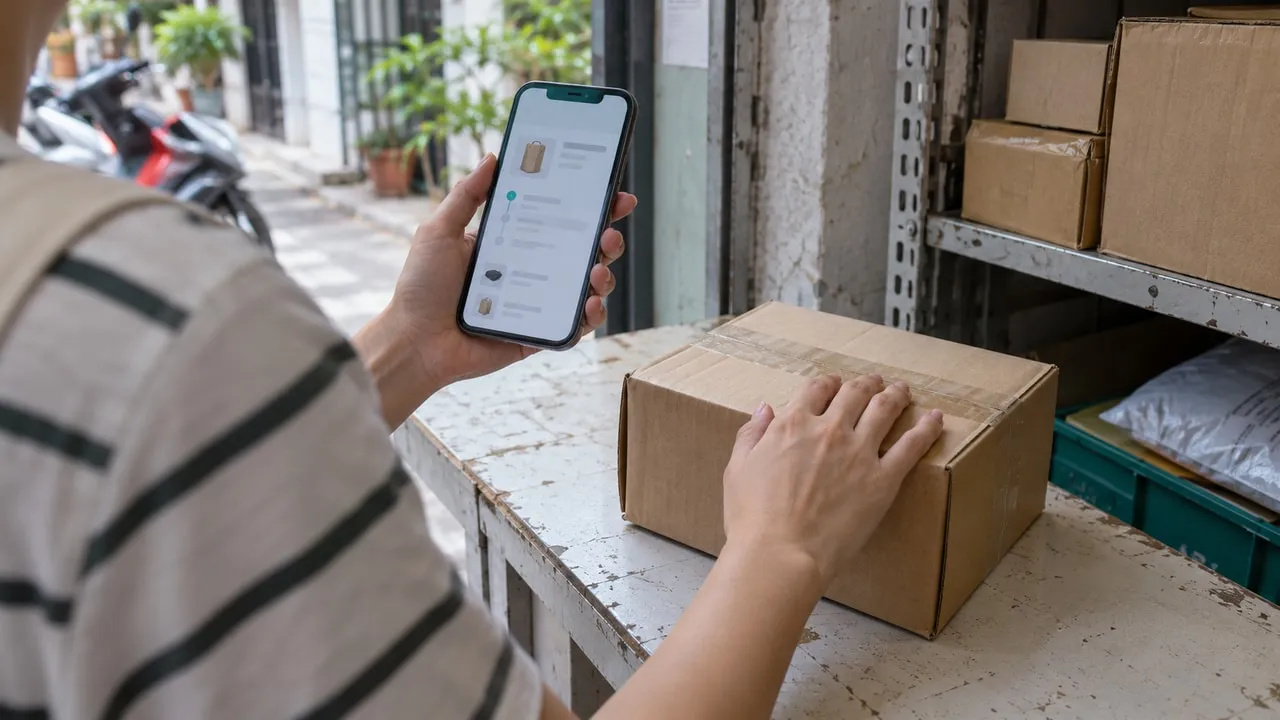
Start from the app you already use or a bookmarked official website. Find the purchase in your own order history, then use that order’s support options. A correct product name or delivery address in a message is not proof that the sender is authorised. Likewise, an HTTPS padlock indicates an encrypted connection to that site; it does not tell you whether the shop is honest.
Do not scan an unsolicited payment QR code just because the sender knows what you bought. Shopee’s official scam advisory describes sellers directing buyers away from the app for payment. Keep verification and payment tied to your actual order instead.
Check the seller and the route back before paying
The marketplace brand and the seller are separate questions. Read who supplies the item, who handles delivery, where returns go, and which entity will respond if something is wrong. Reviews can help reveal patterns, but a star rating alone cannot confirm authenticity or future delivery.
For imported goods, write down the final displayed currency, shipping cost, delivery estimate, and return conditions. An inexpensive item may become impractical to return overseas. Check whether an apparent bargain is the item itself, an accessory, or a different variation selected in the listing.
Take a screenshot of the listing and checkout summary before placing the order. Keep the order number and confirmation in a private folder. These records make it easier to explain a mismatch later without sending strangers your complete card statement or identity documents.
Keep the payment where the purchase was made
Choose a payment option offered in the official checkout for your market and order. Options differ across Shopee, Lazada, and Amazon storefronts; a familiar wallet name in a chat does not make the request part of the platform.
Amazon Pay’s phishing guidance warns against giving gift-card claim codes to third-party merchants as payment. Neither a private transfer nor a gift-card code becomes safe because a seller promises a platform guarantee.
For a card purchase, read the amount, currency, and merchant shown in any issuer confirmation before approving it. Never relay a one-time code to a seller or caller. If the card is declined, check the order status and ask your issuer through its own app or a known contact number before retrying. Rapid retries and changing networks can leave you uncertain about which attempts succeeded.
If you need to check your bank account while travelling, see our safety advice for logging into banking accounts abroad.
Give the shopping account its own protection
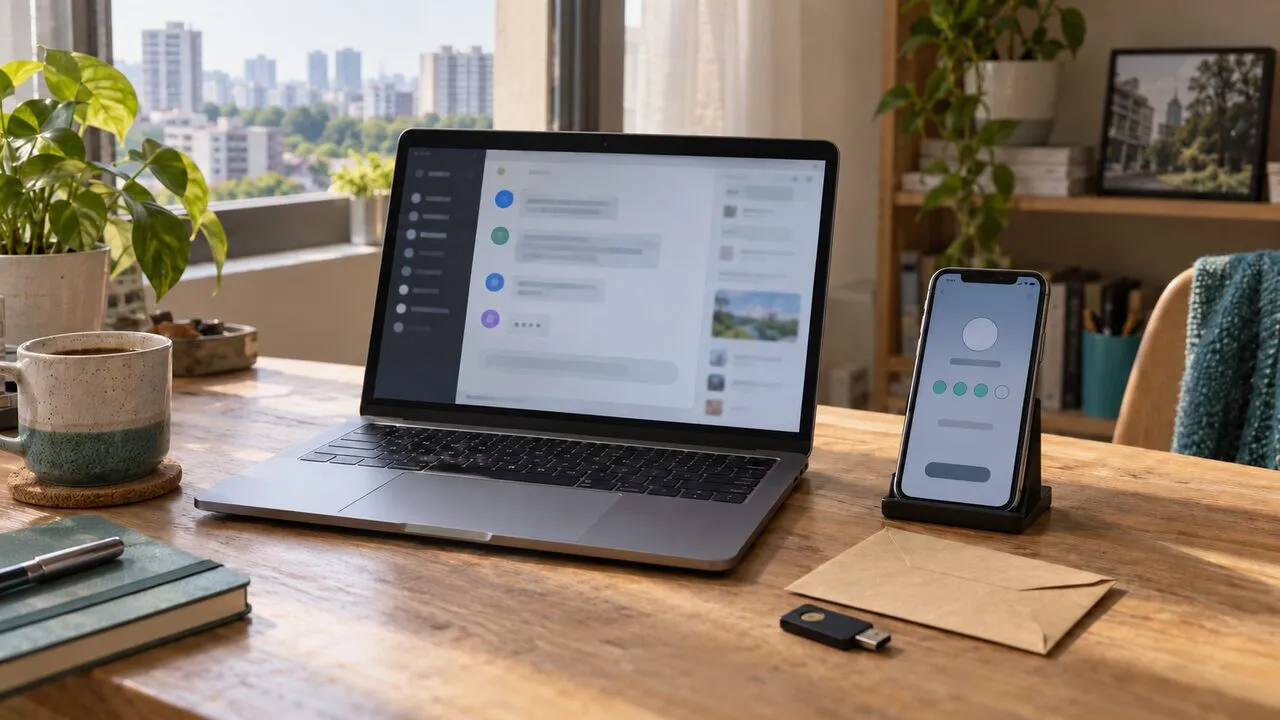
Use a password you do not reuse for email or another store. Enable stronger sign-in verification where the service offers it, and protect your email too: password-reset messages and order notifications often arrive there.
On a shared device, avoid saving card details and sign out when finished. On your own phone, keep the operating system and shopping app updated. If you receive an unexpected verification prompt, pause; approval is an action, not a harmless way to dismiss a notification.
Minimise what you share in chat. A seller may need delivery information, but does not need your email password, banking login, or a photo of both sides of your card. For broader impersonation warning signs, see our AI phishing protection checklist.
Where a VPN fits during checkout
HTTPS already encrypts the connection to a legitimate shopping site. On an unfamiliar network, a VPN adds protection between your device and the VPN server; it does not change who receives information once you submit it to the store.
Keep your billing country, delivery address, and account details accurate. Do not switch countries mid-checkout to imitate eligibility for another market’s promotion. If a verification challenge appears, use the platform’s official help process rather than trying to evade it. Our guide to the data a VPN protects explains this boundary in more detail.
If money or account access is already at risk
Stop further payments. Save the conversation, listing URL, order number, transaction reference, and times. Report the seller or message through the official platform, and contact your bank or wallet provider promptly through a channel you independently verify. Describe whether the payment was unauthorised or one you made after being misled; those are different situations.
If you entered a password on a suspicious page, change it from a trusted device, secure the linked email, and review signed-in devices or recent account activity where available. Refund and dispute deadlines vary, and recovery is not guaranteed. Singapore’s ScamShield advice recommends contacting the bank immediately and making a police report when a shopping scam is suspected.
Treat anyone promising recovery in exchange for another fee as a fresh risk. The useful next step is preserving the evidence and reaching the real provider, not continuing the conversation that led to the loss.