Remote Work in the Philippines: A Security Guide for VAs and Global Client Accounts

Filipino virtual assistants and remote workers can handle overseas client accounts safely when every client has clear access boundaries, strong authentication, and a tested backup connection. The biggest risks are usually not the distance itself, but shared credentials, rushed approval prompts, mixed personal and work sessions, and improvised recovery during an outage.
A VPN protects traffic between your device and the VPN service when you use a network you do not fully control. It does not replace a client’s corporate VPN, password policy, managed device, or permission system.
Start with an access map for each client
Write down which tools you use for every client, which email address owns each account, what level of permission you have, and who can remove or restore access. This simple map becomes valuable when a contract ends, a teammate changes, or an unexpected login alert appears.
Use the identity the client assigned instead of sharing a coworker’s login. If a tool supports individual seats and roles, ask for the smallest role needed for the work. A social media scheduler does not need billing administration; someone formatting a newsletter does not need the entire customer database. Limited access reduces both accidents and the damage from a stolen session.
Keep client work out of personal browser profiles. Separate profiles or client-managed browsers prevent bookmarks, saved logins, extensions, and file uploads from crossing into the wrong workspace. Give downloaded files a defined location and retention period instead of letting copies collect in Downloads, chat threads, and personal cloud storage.
Build authentication that survives a night shift
Remote work often crosses time zones. If an account locks at 2 a.m. in Manila, the client owner may be asleep and a hurried workaround can create a larger problem.
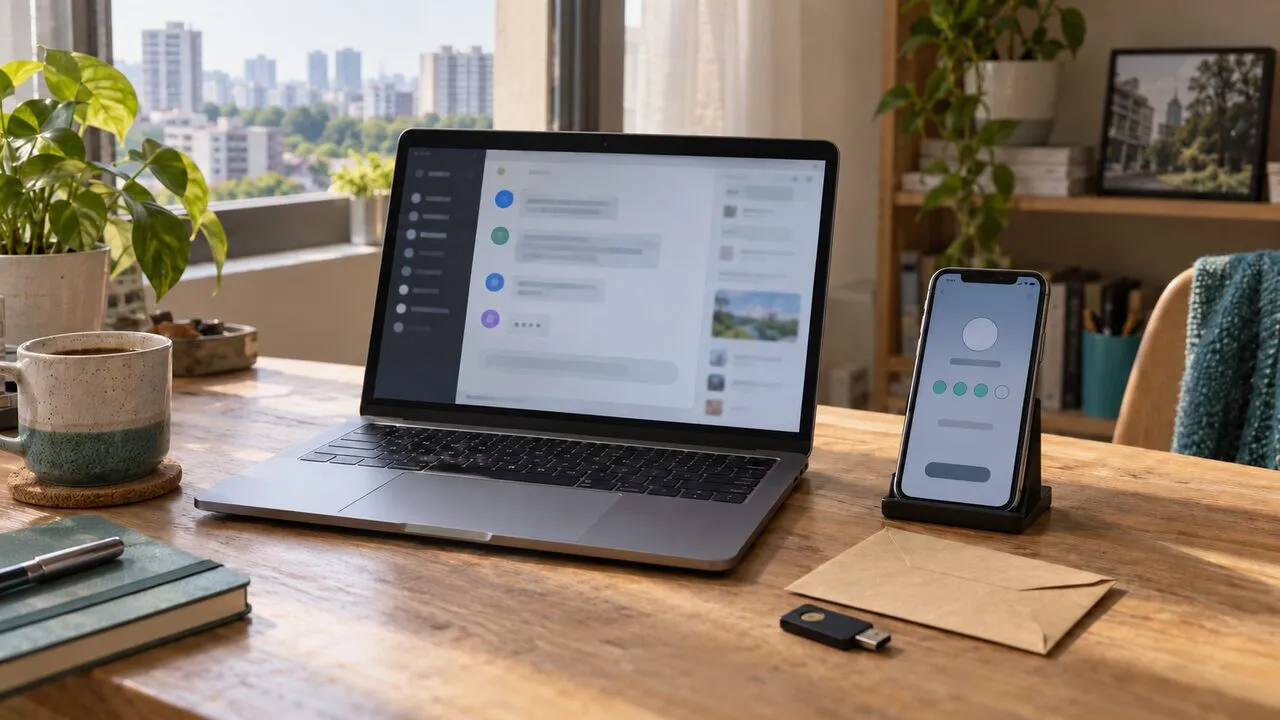
Use a unique password for every service and store it in an approved password manager. Enable MFA, preferably with a passkey, authenticator, or security key when the client supports it. Save recovery codes only in an approved secure location, never in a desktop screenshot or a message to yourself.
Approve only prompts that match a login you just started. An unexpected MFA notification is not a routine inconvenience; deny it and use the official app or a saved bookmark to review account activity. Agree in advance on one verified channel for urgent access requests so a convincing message from a new account cannot redefine the process.
Treat home internet and backup internet as separate systems
A home connection may feel private, but the router still needs attention. Change default administrator credentials, install router updates when available, use modern Wi-Fi encryption, and give visitors a guest network. Avoid sharing the work network password broadly within the household.
Prepare a second connection before it is needed. A mobile hotspot or another trusted line can keep a meeting or urgent handoff moving, but test it with the actual work device and MFA method. During a provider outage, do not join the first open hotspot and immediately sign in to payroll, advertising, or client administration tools.
On café, coworking, hotel, or other shared Wi-Fi, verify the network name, finish a legitimate captive portal, then connect the required protection before opening work services. The café remote-work security guide covers the physical risks—visible screens, overheard calls, and unattended devices—that encryption cannot solve.
Use the correct VPN for the job
If a client requires a corporate VPN or zero-trust client, follow that policy exactly. A personal VPN must not be used to bypass location restrictions, device checks, or access rules. Ask the client what should happen if its required connection fails instead of inventing a route around it.
On an allowed public or guest network, a personal VPN can encrypt traffic between your device and the VPN server. That makes local interception more difficult, but it cannot detect every phishing page, remove malware, or stop a file from being uploaded to the wrong client. Our guide to what a VPN protects explains that boundary in more detail.
Connection stability matters during long uploads and calls. After sleep, roaming between access points, or switching to a hotspot, confirm that the required VPN is active before returning to sensitive tools.
Make client data difficult to copy by accident
Open only the records needed for the current task. Avoid exporting a full list when a filtered view will do, and remove temporary files according to the client’s retention rule. Before sharing a screen, close unrelated tabs, hide notification previews, and check that a password manager or another client’s name is not visible.
Use client-approved storage and transfer tools. Personal email, consumer file sharing, and chat attachments may be convenient, but they create copies outside the client’s controls. Never move customer data into a public AI tool unless the client has explicitly approved the tool and the exact data category. Redact names, account numbers, credentials, and private conversation content whenever the task can be completed without them.
End access cleanly and report incidents quickly
At the end of a shift, confirm that uploads and scheduled work completed, sign out of high-risk admin panels, and lock the device. At the end of a contract, return files through the agreed channel, remove local copies as instructed, revoke shared links you created, and ask the client to remove your account rather than leaving it dormant.
If a device is lost, a file goes to the wrong recipient, or you approve an unfamiliar login, disconnect only as needed to prevent further exposure and contact the client’s named security or operations person immediately. Record what happened, when it happened, which account or data was involved, and what action you already took. Fast, precise reporting helps more than quietly trying to repair the situation alone.
Safe cross-border remote work is a repeatable system: individual accounts, minimum permissions, resilient MFA, tested connections, controlled files, and a known incident channel. Those habits protect the client and also protect the Filipino professional whose reputation depends on careful, dependable access.