What Data Does a VPN Protect—and What Does It Leave Exposed?
A VPN protects data while it travels between your device and the VPN server by placing that traffic inside an encrypted tunnel. This is especially useful against observers on the local network, but the protection ends at clear boundaries: a VPN does not secure an account after you sign in, remove cookies, block every scam, or clean malware from a device.
The easiest way to judge a VPN is to ask where the data is in its life cycle. It protects one part of the journey, not every place where information can be created, stored, shared, or stolen.
The protected zone is the network path to the VPN server
Without a VPN, a device sends internet traffic through the current Wi-Fi or mobile provider. HTTPS already encrypts the content of correctly secured websites, but the access network can still handle connection details such as destination IP addresses, timing, and data volume. Plaintext DNS or an unencrypted service may reveal more.
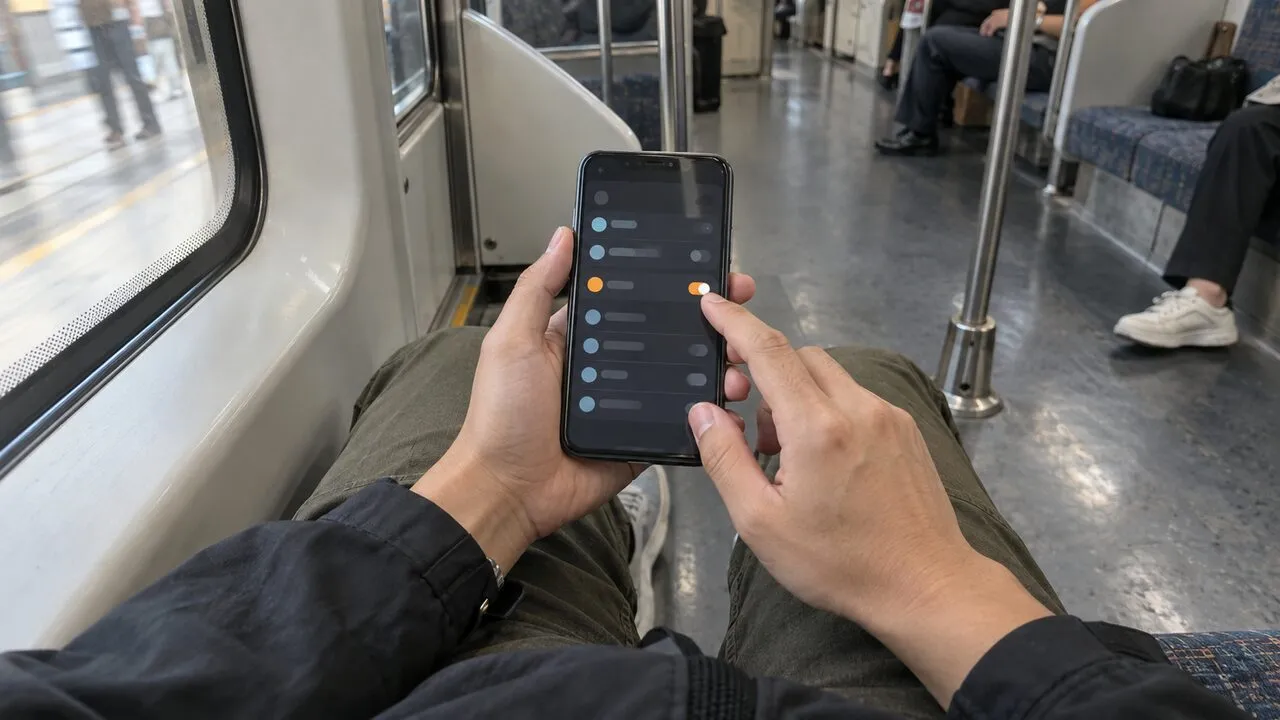
With a system-level VPN connected, traffic routed through the tunnel is encrypted before it leaves the device and remains protected until it reaches the VPN server. The café operator, hotel network, or access provider can generally see a connection to the VPN server, but should not see the individual destinations and DNS requests carried correctly inside that tunnel.
This does not replace HTTPS. After traffic exits the VPN server, HTTPS continues to protect the connection to the website. The two layers solve different parts of the route.
What the tunnel can protect in transit
The tunnel can conceal the contents of traffic that would otherwise cross the local network unencrypted. It can also reduce local visibility into DNS lookups, destination services, and app connections when those requests are routed through it correctly.
That matters on shared Wi-Fi, where you do not control the router or know who operates every part of the connection. It also matters when you prefer your home or mobile provider to see one encrypted VPN connection rather than a list of separate network destinations.
Websites receive the VPN server’s public IP instead of the public IP assigned to your current connection. This limits one easy location and network signal, although a site may still infer identity or location from an account, browser permissions, payment details, or other device signals.
What websites and apps still receive
A VPN is not a filter between you and the service you deliberately use. When you sign in, the service still knows the account. When you enter a delivery address, upload a photo, send a message, or make a purchase, the receiving service gets that information because the action requires it.
Cookies and similar identifiers can continue to recognize a browser. Browser fingerprinting can combine details such as screen size, language, time zone, installed capabilities, and behavior. A changed IP address may alter one signal without breaking the larger pattern.
Location permissions are separate as well. A phone app with access to GPS can receive precise location even while the network connection uses a VPN. Review operating-system permissions instead of assuming an IP change overrides sensor access.
What stays vulnerable on the device
Encryption in transit cannot protect information before it enters the tunnel or after it reaches a compromised endpoint. Malware, a malicious browser extension, screen-sharing software, or an employer-managed device can observe activity directly on the device. A weak screen lock can expose downloaded files and active sessions without touching the network at all.
Keep the operating system, browser, and apps updated. Install software from trusted sources, remove extensions you no longer need, and use storage encryption and a strong device passcode. These controls protect a different layer from the VPN.
Split tunneling also changes the boundary. Apps excluded from the tunnel use the regular connection, so do not assume every process follows the same route. After switching between Wi-Fi and mobile data, verify that the VPN reconnected before handling sensitive information.
What a VPN cannot do about account attacks
A convincing phishing page can collect a password through an encrypted connection. The lock icon only means the connection to that page is encrypted; it does not prove the operator is trustworthy. A VPN cannot recognize every counterfeit login, undo a one-time code you shared, or reject a sign-in notification you approved.
Use a different password for every important account and store them in a password manager. Enable multi-factor authentication, preferring a passkey, authenticator app, or security key when supported. Open sensitive services from a saved app or known address instead of links in urgent messages.
Account providers can also suffer breaches. A VPN does not encrypt data sitting in another company’s database. Share only information the service genuinely needs, close abandoned accounts, and review recovery methods and active sessions.
A quick map of the protection boundary
| Data or risk | What a VPN changes | What you still need |
|---|---|---|
| Traffic on local Wi-Fi | Encrypts the route to the VPN server | HTTPS and a trustworthy VPN service |
| Public IP seen by a website | Replaces the access IP with the VPN server IP | Permission, cookie, and account controls |
| DNS and destination visibility | Can carry them inside the tunnel | Correct device configuration and leak checks |
| Password entered on a fake site | Does not make the site legitimate | Password manager, domain checks, and MFA |
| Files stored on the device | Does not encrypt local storage by itself | Device encryption, updates, backups, and screen lock |
| Data stored by an online service | Does not control the service’s database | Data minimization and account security |
The boundary is easier to remember as three locations: on the device, in transit, and at the destination. A VPN primarily strengthens the middle location between the device and VPN server. Device security covers the first; account controls and the service’s own practices cover the last.
Build protection in layers
Start with HTTPS, current software, a strong device lock, unique passwords, and multi-factor authentication. Add a VPN when the local network or access provider is an observer you want to reduce, especially on connections you do not manage. Our plain-language explanation of VPN tunnels shows how that route works.
On shared networks, confirm the correct Wi-Fi name, disable automatic joining and file sharing, and stop at certificate warnings. Use the public Wi-Fi connection checklist before opening financial, work, or identity documents.
Finally, choose a VPN provider with clear ownership, understandable data practices, maintained apps, and a credible privacy policy. A tunnel changes who can observe part of the journey; it does not eliminate trust. Used as one layer with device and account protections, a VPN has a specific and valuable job without being mistaken for a complete security system.