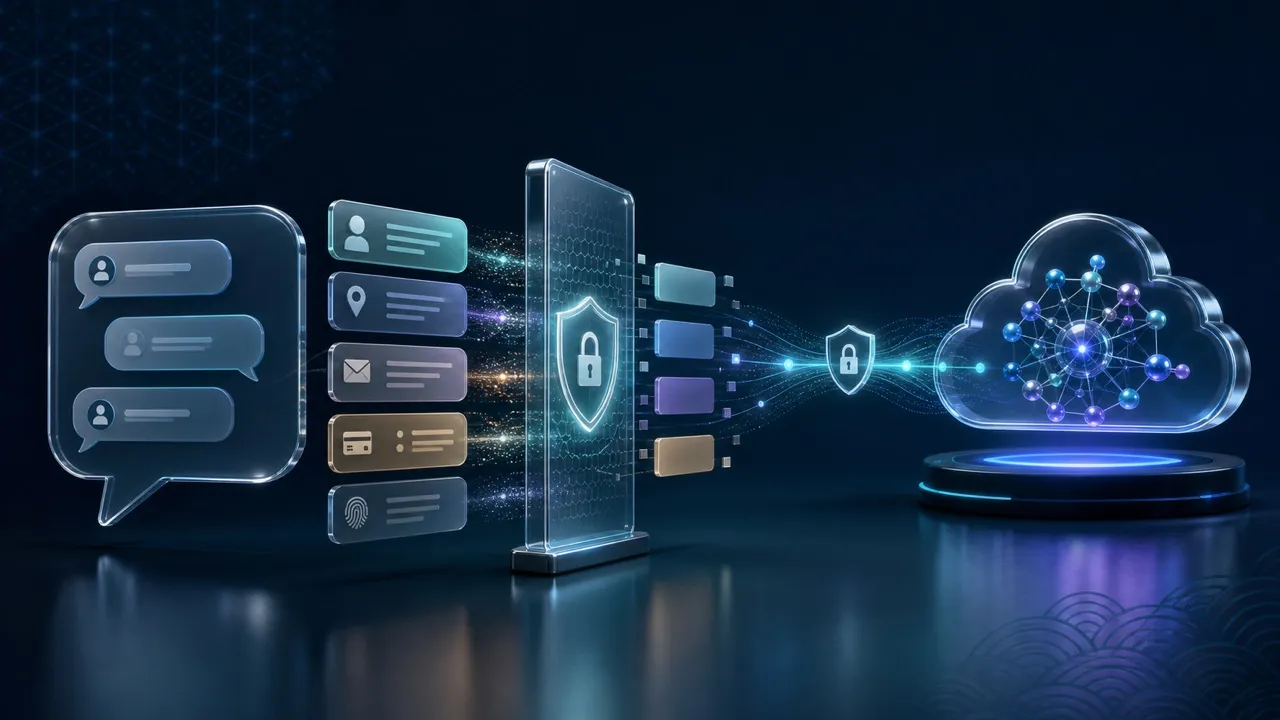
Your Personal Security Stack in the AI Era: VPN, Password Manager, and Two-Factor Authentication
A practical personal security stack combines a password manager for unique credentials, strong authentication for account access, and a VPN when you want to reduce what the access network can observe. These tools cover different failure points; none can decide whether an AI prompt contains confidential information or whether a payment request is genuine. Set up your recovery options before depending on the stack.
Imagine a freelancer in Manila using AI to polish a client proposal. A convincing message asks them to “reconnect” their work account, while their phone holds both passwords and verification codes. The useful question is which safeguard stops each mistake, and what happens if that phone disappears.
Build around your email and your locked device
Start with the email account used to reset other passwords. Give it a unique password or a passkey where supported, enable strong authentication, and check its recovery details. Otherwise, protecting a shopping account while leaving its reset inbox exposed creates an avoidable gap.
Enable a device screen lock, install operating-system and browser updates, and keep important files backed up. A person using your unlocked phone may access already signed-in accounts without needing a password or a new verification code. Stolen authenticated sessions and malicious software are also outside what a VPN can fix.
Keep personal and employer-managed accounts separate. A contractor in Singapore working for several clients should use each client’s approved tools and sharing rules. Installing a personal VPN does not authorize uploading client material to an AI service or replacing a required corporate connection.
Give each tool one clear responsibility
| Layer | Main job | Remaining gap |
|---|---|---|
| Password manager | Generate and store a different password for each account | An unlocked vault or compromised device can expose access |
| Two-factor authentication (2FA) or a passkey | Make account entry harder when a password is stolen | Recovery routes and existing sessions still need protection |
| VPN | Encrypt traffic routed between the device and VPN server; reduce access-network visibility | The destination still receives submitted content |
| AI sharing discipline | Keep unnecessary sensitive material out of prompts and uploads | The service’s storage and access rules still matter |
| Recovery plan | Restore access after loss without depending on the lost device | Outdated recovery details can leave you locked out |
A passkey can replace the password-based sign-in flow; it is not simply a password plus a text message. Availability and recovery behavior depend on the service and credential provider.
Use a password manager without creating a single fragile entry point
Choose a maintained manager from its official distribution channel. Protect its vault with a strong, unique master password where applicable, enable available account protection, and learn how its recovery works. Do not store your only vault recovery instructions inside that same locked vault.
Replace reused passwords first on email, cloud storage, financial services, and work accounts. Password generation belongs in the manager, not in a chatbot: a password printed in a conversation is an unnecessary extra copy of a secret.
Autofill can help notice a domain mismatch because a manager may not offer a saved credential on a different site. Treat that as a reason to stop and check, not proof that every page receiving autofill is safe. Open a saved bookmark or the official app when a message unexpectedly requests sign-in. CISA’s everyday security guidance supports using strong passwords, a password manager, authentication, and updates together.
Strengthen sign-in, then test the fallback
Where available, prefer phishing-resistant options such as passkeys or security keys. Authenticator-generated codes improve on a password alone, but a fake login page can still relay a code. SMS can add protection when stronger options are unavailable, while remaining dependent on access to the phone number. CISA’s MFA guidance distinguishes stronger phishing-resistant methods from weaker forms.
Never read out a verification code to someone claiming to be support, and reject approval prompts you did not initiate. Keep backup codes in a protected place separate from the phone. A password manager and authenticator on the same phone can be convenient, but losing that phone must not remove every way to recover.
Before signing out of a trusted device, confirm that you can reach the recovery email and understand the provider’s recovery process. Do not conduct a test by deleting your only working sign-in method.
Place the VPN at the network boundary
HTTPS already encrypts the content of a properly secured web connection. A trusted VPN can additionally reduce the access network’s visibility into destinations for correctly tunneled traffic, while moving some trust to the VPN operator. It does not make a fake website trustworthy or conceal a prompt from the AI service receiving it. The EFF’s VPN guide explains these limits.
On shared Wi-Fi, verify the network, complete any legitimate access portal, and check the VPN connection before relying on it. For the traffic boundary in more detail, see what data a VPN protects. Do not treat a changed public IP as a test of account security.
Keep AI inputs outside your collection of secrets
Use a fictional example or a redacted extract instead of a complete client document. Remove names, contact details, access tokens, private links, and other unnecessary identifiers. Replacing a person’s name alone may leave enough context to identify them. Check workplace permission before using any real business data.
The NCSC’s discussion of language-model risks highlights sensitive prompts as a concern. Retention, training, and administrator access depend on the particular service and settings; an encrypted connection does not settle those questions. See our AI conversation privacy guide before sharing material.
Rehearse a lost-phone day and an urgent-message day
Ask whether you could reach your primary email, unlock your manager, and recover authentication if the phone were unavailable. Keep protected offline recovery instructions current. After a loss, use a trusted device and official account controls to revoke missing-device access and review active sessions; changing a password alone may not revoke every session.
Separately, agree on a way to verify urgent requests with family or colleagues. Call a known number rather than one supplied in the message, particularly before moving money or granting access. Better-generated wording or a familiar voice should not replace that check; our AI phishing and deepfake checklist covers the warning signs.
The stack works when its handoffs work: a unique credential, a stronger sign-in check, a trusted route, minimal data sharing, and a way back into your accounts. Review those handoffs whenever you change phones, phone numbers, or the email used for recovery.