What Is a VPN? A 3-Minute Guide to How VPNs Work and Who Needs One
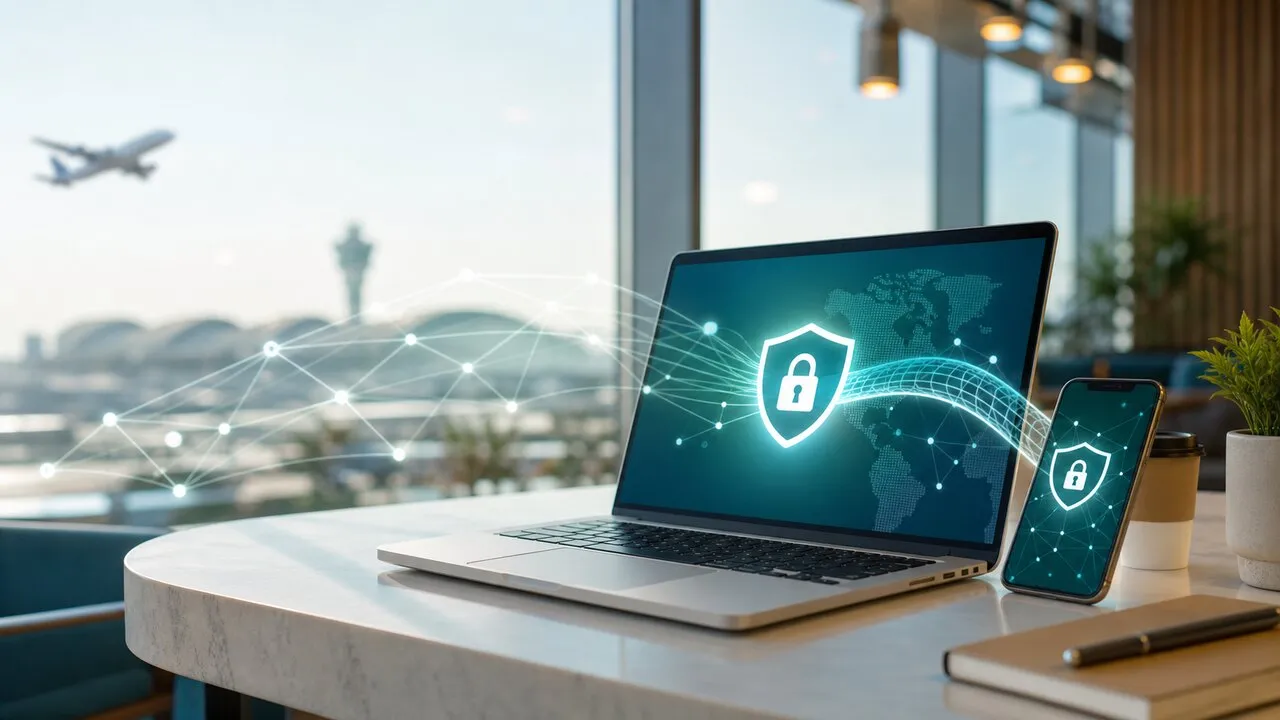
A VPN, or Virtual Private Network, creates an encrypted connection between your device and the internet. It helps reduce the risk of exposing your data on public Wi-Fi and makes everyday browsing safer when you travel, work remotely, or use unfamiliar networks.
What does a VPN actually do?
When you connect to a website without a VPN, your device sends traffic through your internet provider and then to the site. With a VPN, your traffic first passes through an encrypted tunnel to a VPN server, then continues to the destination.
That gives you two practical benefits. First, encryption makes it harder for people on the same network to inspect what you are doing. Second, websites usually see the VPN server location rather than your original network location.
Common reasons people use a VPN
The most common reason is safer public Wi-Fi. Hotel, airport, cafe, and coworking Wi-Fi can be convenient, but you do not always know who manages the network or whether it is configured safely. A VPN adds a useful layer of protection before you sign in to email, banking, or work tools.
VPNs also help reduce some forms of tracking. They do not make you completely anonymous, but they can limit how directly your network location is exposed while you browse.
A third reason is travel flexibility. When you are abroad, some services behave differently by region. A VPN lets you choose a connection location that better fits your situation.
Who should use a VPN?
A VPN is especially useful if you:
- Travel or work abroad often
- Use hotel, airport, cafe, or shared office Wi-Fi
- Sign in to important accounts outside your home network
- Want to reduce exposure of your network location
- Prefer a simple way to add privacy protection to daily browsing
For beginners, the best VPN is not the one with the longest feature list. It is the one you can open, connect, and trust without studying technical settings.
What a VPN cannot do
A VPN is not a magic privacy shield. It cannot stop every form of tracking, detect every phishing website, or make unsafe downloads safe. You still need strong passwords, two-factor authentication, updated devices, and careful browsing habits.
Think of a VPN as one important layer of online protection, not the entire security system.
How to choose your first VPN
Start with five simple questions:
- Is the app easy to understand?
- Is the connection stable in the regions you actually use?
- Does the provider explain its privacy policy clearly?
- Does it support your everyday devices?
- Can you connect quickly without changing complex settings?
For many people in Asia, regional stability matters more than a huge server count. A VPN that works smoothly in Taiwan, Japan, Korea, Hong Kong, Singapore, and nearby travel routes is more useful than a spec sheet full of locations you will never choose.
The takeaway
A VPN helps you browse more safely on unfamiliar networks, especially when you travel, work remotely, or use public Wi-Fi. If you are new to VPNs, start with a service that is simple, stable, and clear about privacy.
Lubi VPN is built around that idea: open the app, connect quickly, and browse with more confidence.