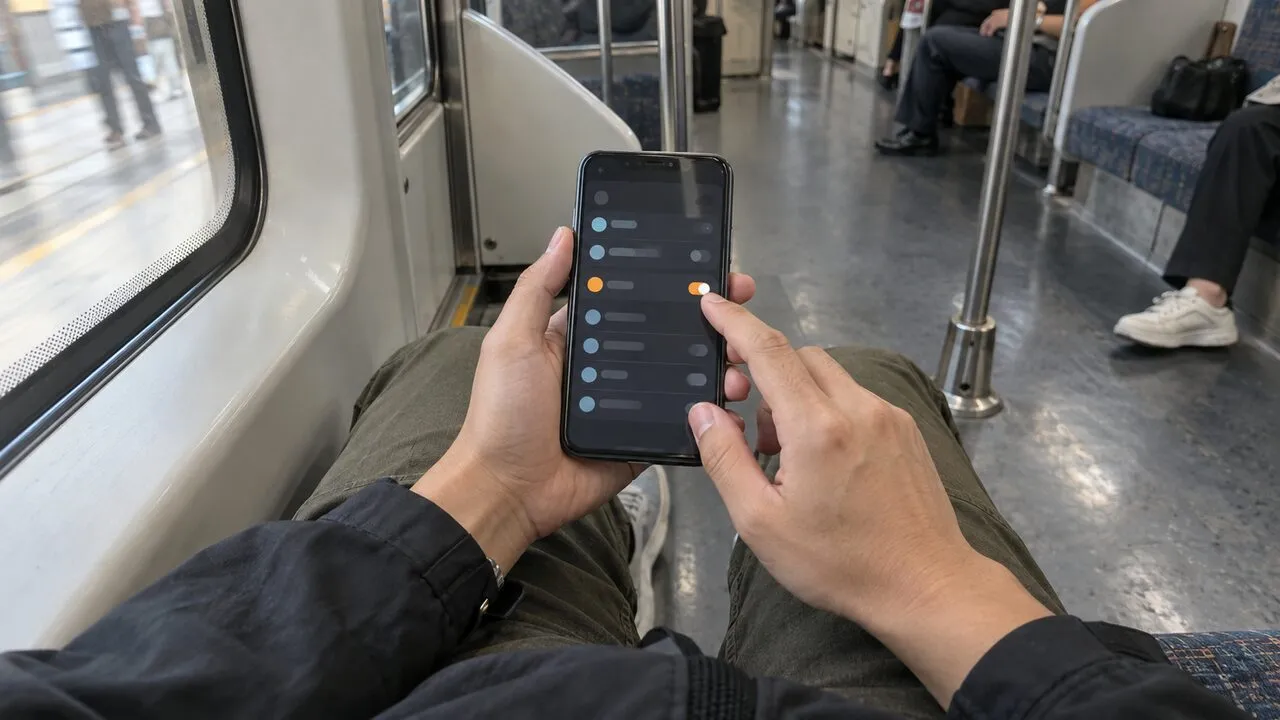
Public Wi-Fi Safety Checklist: 8 Things to Do Before You Connect
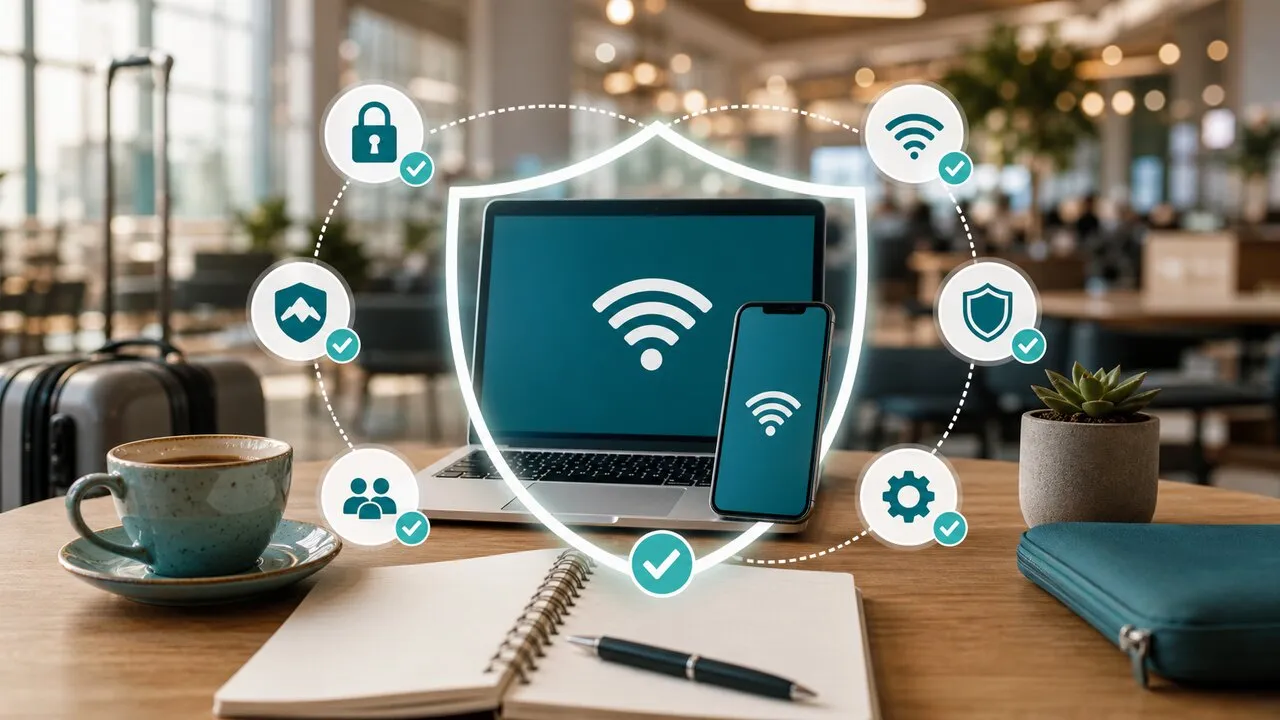
Before using public Wi-Fi: verify the network name, avoid sensitive operations, turn on a VPN, prefer HTTPS, keep your device updated, and disable auto-join when you leave. Public Wi-Fi is convenient — but the safest mindset is to treat it as an untrusted shared network until verified.
This checklist covers cafés, airports, hotels, coworking spaces, and train stations. No technical background needed; just run the same routine before logging in to anything important.
Why public Wi-Fi needs a checklist
The problem isn’t that every public network is malicious — it’s that you can’t quickly verify who runs it, who else is on it, or whether a similarly named fake hotspot is nearby. The checklist’s value is preventing convenience and haste from lowering your guard. Think of it the way flight crews use theirs: not because anyone forgot how to fly, but because routine moments are exactly when slips happen. Connecting at a café you visit every week deserves the same few seconds of checking as an airport you’ve never seen.
The 8 things to do before connecting
- Verify the official network name with staff or signage; never join similarly named strangers.
- Turn off auto-join for unknown networks so your phone doesn’t connect without you knowing.
- Skip high-risk operations on doubtful networks — bank transfers, password changes, payment updates can wait for a trusted connection.
- Turn on your VPN before logging in to important accounts, so traffic is encrypted before it leaves your device.
- Prefer HTTPS sites and official apps for an extra transport layer.
- Keep your system and apps updated — known vulnerabilities are the most exploited entry point.
- Disable sharing features you don’t need: AirDrop, file sharing, printer sharing.
- Forget the network when you leave to prevent silent auto-reconnects later.
Where the VPN fits in the list
The VPN handles item 4 — technically the most important layer: it encrypts traffic before it leaves your device, so even if the network itself is compromised — a fake hotspot, a misconfigured router, strangers on your segment — what they see is ciphertext. Lubi VPN makes that one tap, so “VPN before Wi-Fi accounts” is easy enough to do every single time you sit down.
What the VPN can’t do: it won’t recognize a fake login page or block a phishing link. The other seven items stay on you.
Signals you shouldn’t rely on alone
A padlock icon, an official-looking network name, or a hotspot physically inside a hotel or airport — all useful clues, none of them guarantees. Strong passwords, two-factor authentication, updates, and careful clicking remain the foundation.
Conclusion
Public Wi-Fi can be both convenient and safe enough, if you spend a few seconds on these eight points. Verify the network, VPN before accounts, forget the network afterward — those three moves alone block most everyday risk. Frequent flyers: see the deeper look at airport and hotel Wi-Fi risks and the pre-trip checklist.