Mobile Payment Safety in Japan: QR Codes, Transit IC Cards, and Credit Cards
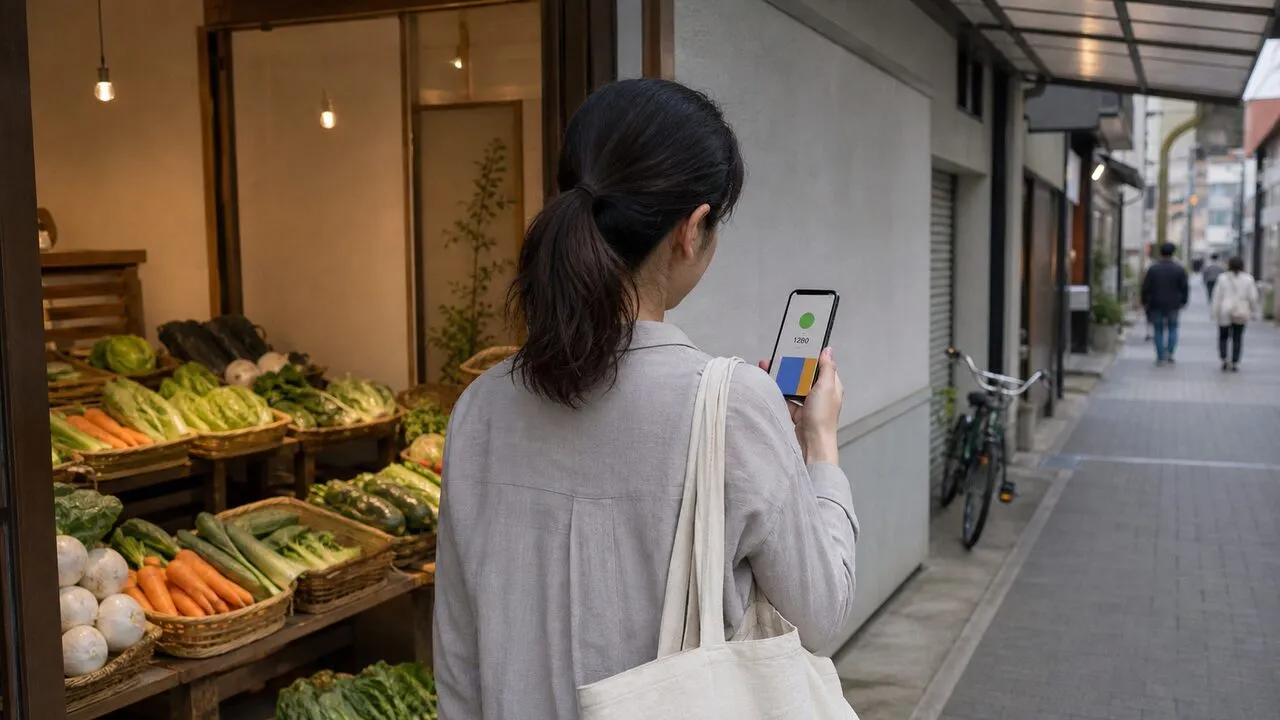
Mobile payments in Japan are generally safe when you confirm the recipient before approving a QR payment, lock the phone that carries your transit card, and review card activity after each unfamiliar purchase. The payment method changes, but the core routine does not: verify the amount and merchant, authorize only what you started, and know how to suspend access if the device disappears.
Japan’s checkout counter may offer several rails at once: a QR or barcode wallet, a stored-value transit IC card, a contactless credit card, or a physical card inserted into a terminal. Treat each one according to what it proves—and what it does not.
At a QR checkout, verify the direction of payment
Some stores scan the code displayed by your wallet. At others, you scan a merchant code and enter the amount yourself. Before approving, compare the merchant shown in the app, the amount, and the total at the register. If the cashier asks you to repeat a payment, first open the wallet’s transaction history; a slow confirmation screen is not proof that the first payment failed.
Do not follow a payment or “refund” flow sent through a chat message. A refund should not require you to transfer money, share a one-time code, install another app, or let someone control your screen. PayPay’s current fraud and phishing guidance specifically describes refund impersonation and advises users to open the official service themselves rather than trust an unexpected link.
Enable the wallet’s device authentication, keep notification previews from revealing codes, and protect the mobile carrier account against unauthorized SIM replacement. The wallet balance is only one layer: a linked card or bank account can increase the impact of an account takeover.
Transit IC cards trade friction for speed
A mobile Suica, PASMO, or ICOCA may be configured as an Express Transit card on an iPhone or Apple Watch. In that mode, it can work at a gate without Face ID, Touch ID, or a passcode. That convenience makes the phone’s loss procedure part of payment security, not just device housekeeping.
Turn on the operating system’s device-finding feature before you need it. Apple says that Lost Mode can suspend Apple Pay and an Express Transit card when Find My is enabled; its Apple Pay security overview also explains how cards can be removed remotely. Android users should confirm that remote find, lock, and erase functions work on their current Google account. Google advises locating or locking a lost device and notes that erasing it removes payment information in its Wallet safety guide.
If an Android phone carrying Mobile Suica is lost, JR East instructs users to complete a suspension procedure to prevent unauthorized use. Follow the current Mobile Suica lost-device instructions, because the recovery path differs by device and account state.
A contactless card still needs account controls
Tapping a physical credit card reveals less card handling than handing it to another person, but it does not stop phishing, stolen card details, or fraudulent online purchases. Turn on issuer alerts, use the issuer’s official app or a bookmarked site, and check the amount before confirming an online authentication prompt.
EMV 3-D Secure can add risk-based authentication to online card transactions, sometimes asking for a one-time code or biometric approval. It is not a reason to approve an unexpected prompt. Japan’s latest credit-card security guidelines treat it as one layer in a broader fraud-control system.
Keep one backup payment method separate from the phone. A modest amount of cash or a second card can get you through a dead battery, a suspended wallet, a network outage, or a merchant that accepts a different payment rail.
Public Wi-Fi changes the network risk, not the recipient
Use the official wallet or bank app instead of opening a payment link from a message. HTTPS protects modern app and browser traffic in transit, while a VPN can add another encrypted layer between your device and the VPN server on hotel or café Wi-Fi. Neither one can correct a wrong merchant, a mistyped amount, or a transfer you approved under pressure.
If the network behaves strangely, stop the transaction and switch to mobile data or a trusted connection. The same preparation in our public Wi-Fi safety checklist helps protect the account session around the payment. For the limits of connection protection, see what a VPN does and does not protect.
If the phone or card disappears, act in layers
First, use the operating system’s official device service to mark the phone lost or lock it. Then contact the mobile carrier if the SIM or eSIM may be exposed. Suspend the wallet, transit IC card, and payment cards through their official apps, websites, or phone numbers. Do not use a support number from an unsolicited text or search advertisement.
Next, review wallet, bank, and card activity. Save transaction details, report unfamiliar charges promptly to the provider, and change a reused or exposed password from a trusted device. Japan’s Consumer Affairs Agency advises checking bank statements and contacting the bank or cashless-payment provider when an unexplained withdrawal appears in its consumer alert.
A useful daily habit is short: look at the recipient and amount before approval, glance at the completion screen once, and review notifications afterward. That catches the mistakes and social-engineering attempts that no single payment technology can eliminate.