Living in Japan as a Foreigner: Internet, Accounts, and Cross-Border Access
Foreign residents in Japan need internet and account access that survive a move, a new phone number, and changes to identity documents. Keep a backup connection, update each service through its official channel, and test account recovery before retiring an old device. A VPN can add privacy on shared networks, but it cannot update your registered residence details or make an overseas account eligible for Japanese services.
Build a connection plan around the next move
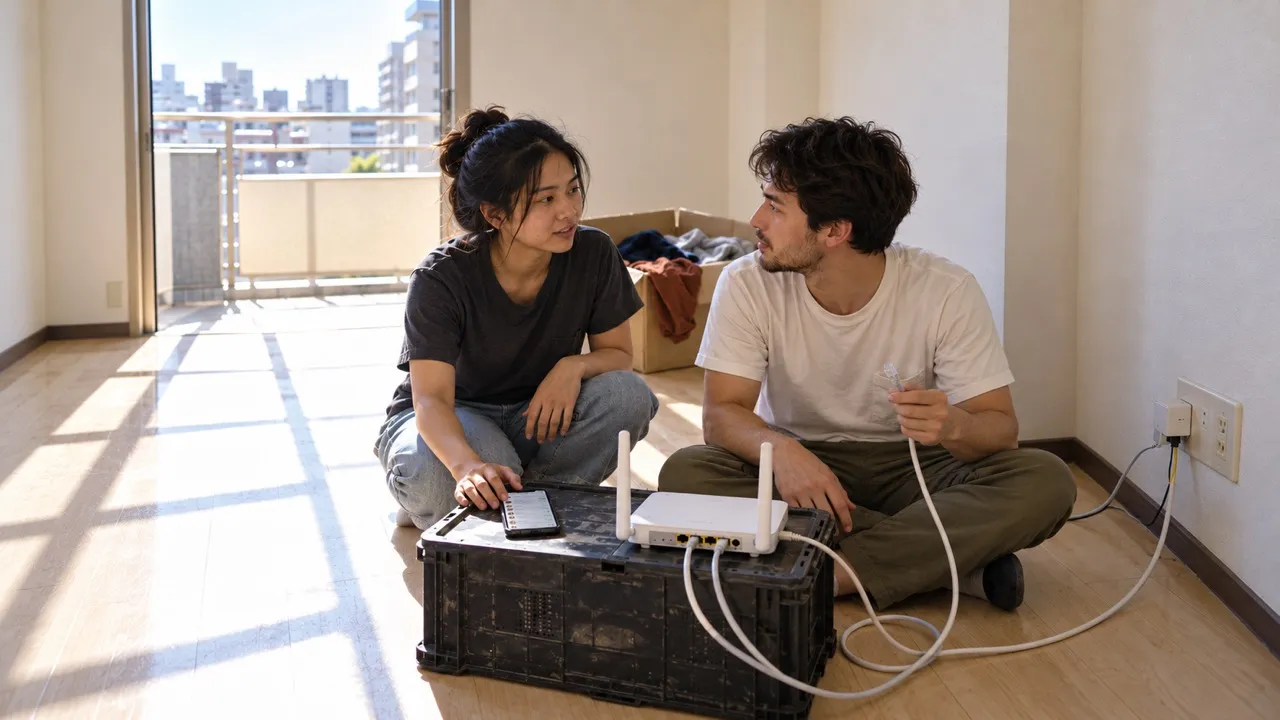
A connection that works today may not follow you to another apartment. Before signing up or moving out, ask the property manager whether internet is included, who owns the router, and whether a separate contract or installation is needed. Ask the provider what happens at the new address rather than assuming the equipment alone will transfer the service.
Record the account holder, support contact, equipment-return instructions, and planned activation date. Keep these in a private folder accessible without your home Wi-Fi. Arrange a trusted mobile connection for the gap between homes, then test a video call and an essential login at the new place before relying on it for work. If the connection is shared, do not reset equipment that serves other tenants.
Residents moving from employer-arranged housing have another dependency: the company may own both the network contract and the email address used for it. Before changing jobs, ask which services you must take over and replace a work mailbox used for personal password resets. The student housing and campus guide covers university-managed access; this routine is for maintaining independent adult household accounts.
Make the phone-number change a separate task
Do not cancel a Japanese or overseas number simply because mobile data works on the new SIM. List the accounts that send codes to the old number, especially primary email, banking, shopping, and messaging. Check each service’s supported authentication methods, add a permitted backup method, and test it before losing access to the old number. Never send login codes to someone offering to handle the change for you.
For residents using LINE to contact a landlord or neighborhood group, check the registered number on the main phone under Home → Settings → Account. LINE’s official number-change guide explains how to verify a replacement number and the regional limits. Updating a number and transferring to a new phone are separate procedures; follow the transfer instructions too if the device changes.
If family contacts remain on another messaging app, agree on a second way to reach one another before the switch. A data connection cannot prove ownership of a number you no longer control.
Treat residence-document updates as account maintenance
A failed transaction is not always an internet fault. Japan Post Bank states that withdrawals and transfers become unavailable when the residence period registered with it expires without an updated notification. Its residence-card update notice directs customers to the official procedure app or an appropriate counter. That is one bank’s process, not a universal menu for every institution.
When a document changes, check the bank’s own instructions and record whether the update was accepted. Do not assume updating a government record automatically updates private accounts. Keep confirmation of the submission without leaving identity-document photos in a shared chat. If you need language assistance, use the institution’s published support route and keep control of passwords and authentication codes yourself.
Distinguish a real administrative request from an impersonator
New residents expect messages about deliveries, rent, and paperwork, which makes a convincing administrative story hard to ignore. Japan Post has warned about impersonation calls that invoke suspicious parcels or supposed police involvement. End the unsolicited contact and verify through a contact you obtain independently from the official website or your existing paperwork.
For English-speaking workers receiving a Japanese notice, translate only the necessary wording. Remove account identifiers, document numbers, QR codes, and personal details before pasting text into a translation service. A friend can help interpret a message without receiving a full residence-card scan or an authentication code. Urgency and polished language are not proof that the sender is genuine.
Keep cross-border access separate from network privacy
Use the correct registered address, payment information, and recovery methods for services in Japan and your home country. If a service refuses a login, record the error and check its official support guidance. A VPN exit address does not establish residency, change account ownership, or satisfy identity verification. Do not keep changing countries to force a financial login through.
On a shared apartment or coworking network, a personal VPN encrypts traffic between your device and its provider. HTTPS already protects the content of correctly secured website connections. The VPN shifts some connection visibility to the VPN provider; it does not remove trust or prevent phishing. See the explanation of VPN data protection for the boundaries.
Use the employer-approved connection for work systems. If a personal VPN interferes with a permitted service, test on a trusted ordinary connection and ask support rather than changing identity details. Keep a short maintenance note for the next move: which number receives codes, where recovery information is stored, which documents need updating, and who handles the home connection. That note is more useful than discovering every dependency during a workday outage.