Studying in Japan: Dorm Wi-Fi, Apartment Internet, and Student Account Safety

International students in Japan need a dependable housing connection, correctly configured campus Wi-Fi, and a way to recover university accounts if their phone stops working. Ask your residence or landlord how internet access is provided, follow your own university’s setup instructions, and arrange a second sign-in method before switching SIMs or devices. A personal VPN can reduce what an unfamiliar network sees, but it does not supply broadband, unlock campus resources, or repair a compromised account.
Before move-in, ask what “internet included” actually covers
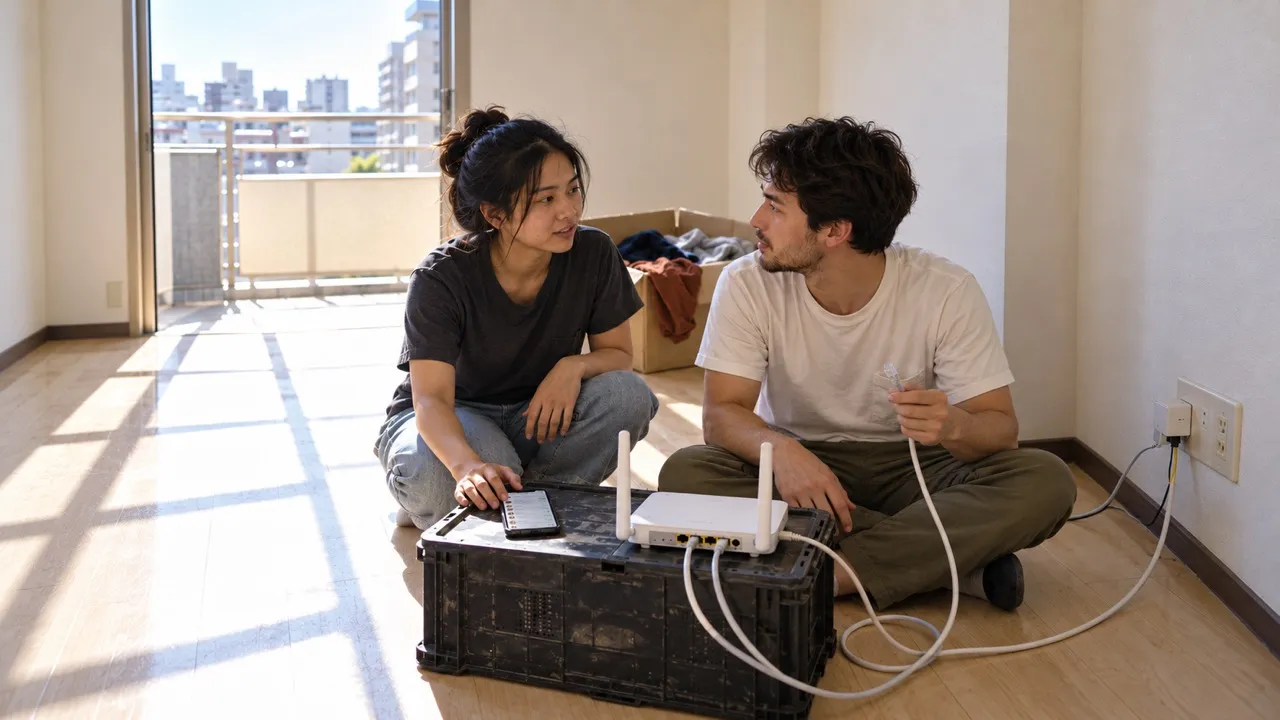
A dormitory connection, a shared-house router, and an apartment with a connection socket are different arrangements. Do not assume that a wall port means an active subscription or that every room has usable Wi-Fi. Ask the housing office or property manager these questions before buying equipment:
- Is service already active, and is its cost included in the housing payment?
- Does the room have Wi-Fi, wired access, or both? Do you need your own router?
- Who handles outages, and may residents connect a router or other network equipment?
- If you must arrange service yourself, what work is permitted and when can it begin?
Keep the answers alongside your move-in documents. Japan’s official Study in Japan housing guidance identifies the international student office as a place to start a housing search. That office can also point you toward the right residence contact; it does not necessarily administer the building’s network.
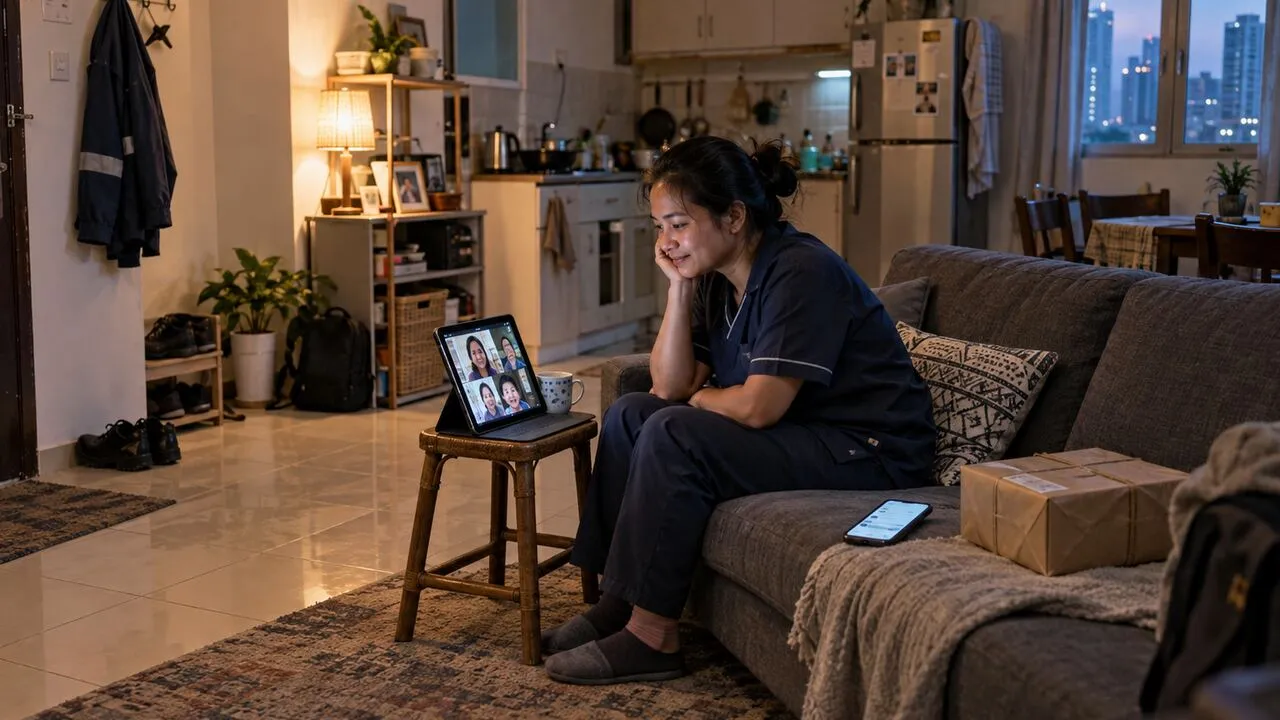
For students arriving from Southeast Asia for an exchange semester, the practical gap may be the days between arrival and housing activation. Keep a working mobile-data connection for orientation messages and assignment deadlines. Download your timetable and accommodation directions before travel rather than relying on airport Wi-Fi to retrieve them.
Campus Wi-Fi credentials may differ from your student login
Use the university’s official IT page, reached from its main website or enrollment materials. A familiar network name alone does not prove that a hotspot is authentic. Follow the published certificate and configuration instructions; do not dismiss an unexpected certificate warning just because a classmate says the network worked yesterday.
The University of Tokyo illustrates why generic instructions are insufficient. Its UTokyo Wi-Fi guide requires UTokyo Account multi-factor authentication and information security education before use. Students then issue a separate Wi-Fi account through the account menu and use those Wi-Fi credentials, rather than their UTokyo Account password, to connect. These are UTokyo requirements, not a rule for every Japanese institution.
Where your institution offers eduroam, obtain the eligible account and setup instructions from that institution. The eduroam JP Federated ID user guide explains its service’s certificate configuration. Its instructions are not a reason to install a profile sent by an unknown person in a student chat.
Make a shared residence safer without changing its router
In a dorm or share house, you may have no authority to alter network settings. Keep your device updated, enable its firewall, and disable file sharing you do not need. Avoid leaving an unlocked laptop in a common room. Ask the administrator about connection problems instead of resetting communal equipment and interrupting everyone else’s study session.
If you control an apartment router, change its administration password, use current supported firmware, and choose a strong Wi-Fi password. If equipment belongs to the landlord or internet provider, check what you are permitted to change first. A shared Wi-Fi password is not a suitable password for university email.
Modern HTTPS already encrypts website content. A personal VPN adds a tunnel between your device and the VPN provider, which changes whom you trust with connection information. It does not make shared devices trustworthy or remove phishing risks. The guide to what VPNs protect explains those boundaries.
Changing a phone can disrupt a whole semester
Your campus email may be the route to course announcements, library access, and password resets. Give it a unique password and enable the authentication methods supported by your school. Store recovery codes securely outside the phone that generates your login codes, if your university provides them.
Before replacing a phone, transfer or re-register your authenticator using the university’s procedure. Test the new device while the old one still works. A Japanese SIM does not automatically transfer an authenticator, and a data-only plan may not receive SMS. Check whether any account still relies on your previous number before cancelling it.
For exchange students returning home, record the university’s IT support contact in a personal address book. Ask when school accounts expire and move personal files only where university policy permits. Do not let your sole personal-account recovery address remain a student mailbox that you may lose after graduation.
Separate connection faults from account and library restrictions
If a class portal will not open, first check whether ordinary websites work. Test the same task on a trusted mobile connection, check the university’s service notices, and record the error message without passwords or recovery codes. If campus Wi-Fi alone fails, check account eligibility and the school’s configuration guide before purchasing another service.
Library databases may require a university-provided VPN, proxy, or institutional sign-in. A commercial VPN is not a substitute for academic entitlement. Follow the library’s remote-access instructions, and do not run competing VPN connections together unless your IT team explicitly supports that arrangement.
Try an ordinary connection when a service rejects a VPN, within your school’s network rules. Regional catalog changes and sign-in checks can still occur; a Japanese VPN exit does not establish student status. Short visits have different preparation needs, covered in the Japan travel connection guide.
Recheck access before exams and before moving out
Test your backup sign-in method before a deadline, not during an exam upload. Keep a current copy of essential coursework in storage permitted by your school, and have an alternative connection for an outage. When moving out, remove saved residence networks, sign out of shared computers, return borrowed equipment, and check the cancellation process for any internet contract in your name.
The goal is continuity: your housing can change, your SIM can change, and your studies can continue without losing access to the account that holds your work.
If you stay in Japan after graduation, the resident account-maintenance guide covers the next step: independent household contracts and keeping bank records current when residence documents change.