Watching Taiwanese TV Abroad: Check the Rights Before You Change Regions
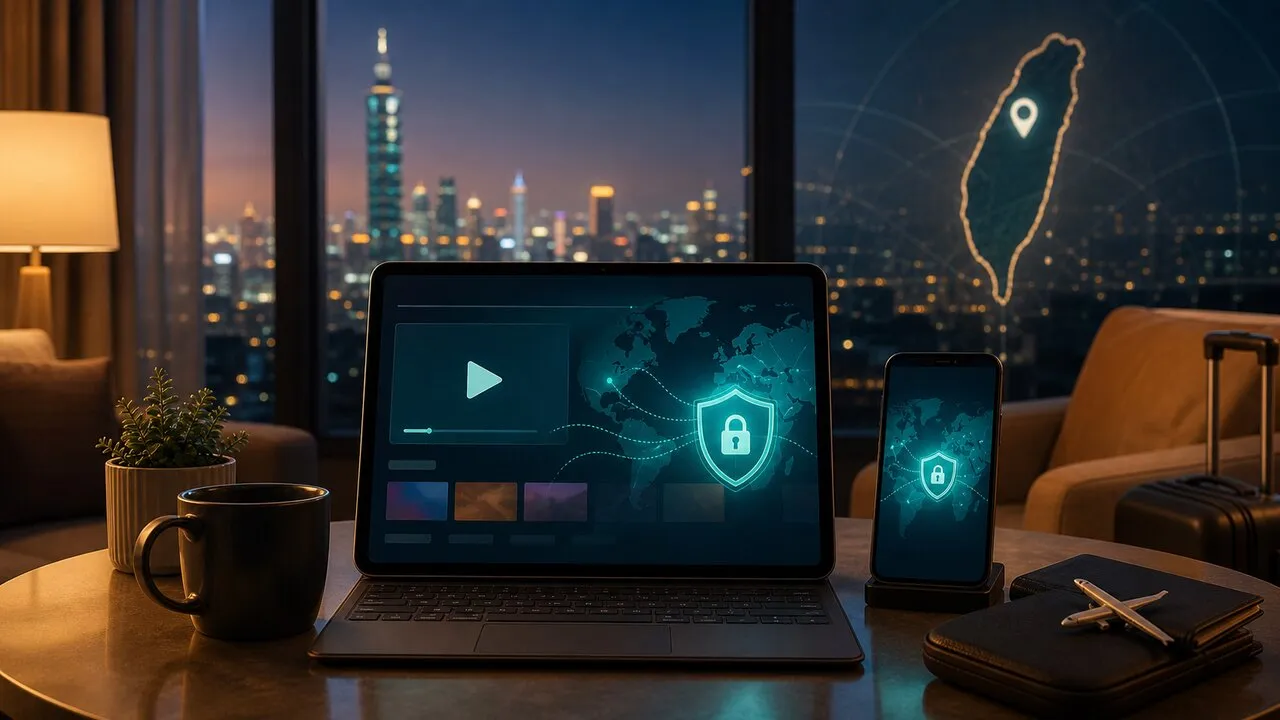
Taiwanese dramas, variety shows, and live sports do not share one worldwide catalog. A program may be available globally, limited to Taiwan, or licensed abroad only in selected countries. Check the service’s current official notice before changing any network setting; when a title is Taiwan-only and the service’s rules permit access, a Taiwan VPN connection may help, but it does not guarantee playback.
Start with the program, not a platform list
Rights are often narrower than the name of the app suggests. LINE TV’s current help center says most of its catalog is available only in Taiwan, while a small English-learning collection is open in selected overseas markets. Hami Video says its main service is Taiwan-only, but names CPBLTV, HBLTV, and its creator section as globally licensed exceptions. Those policies can change, and an individual match or series can still have its own window.
That makes a permanent “best Taiwan streaming apps abroad” list misleading. Search for the exact show, league, or channel you want, then read the provider’s region notice on the same day. For English-language news and programs about Taiwan, TaiwanPlus says its on-demand service is available wherever you are, so it is worth checking before trying to recreate a Taiwan connection.
Read the error before blaming your connection
A region message is only one failure mode. Use the wording on screen to separate four problems:
- Not available in your region points to distribution rights or location detection.
- Subscription required means the network is not the missing piece.
- Too many devices or sessions must be fixed in the account settings.
- Playback or casting failed may involve browser support, DRM, HDMI, AirPlay, or the television rather than geography.
Also try another title from the same service. If one program plays and another does not, the difference is likely title-level licensing rather than a broken account.
Where a Taiwan connection fits
A platform commonly estimates your location from the public IP address of the connection. A VPN routes traffic through another server, so a Taiwan server provides a Taiwan IP. Lubi VPN includes Taiwan servers in its Pro and ProMax plans; Standard does not include Taiwan. If you use it, choose Taiwan in the app, reconnect, and then reopen the streaming service.
Treat this as a diagnostic step, not a promise. The service may use other location signals, reject known VPN addresses, or prohibit cross-region access in its terms. LINE TV’s official region-error guidance, for example, specifically asks users in Taiwan to check whether a VPN has caused the service to see a non-Taiwan location. Hami Video goes further: its official FAQ advises viewers not to use a VPN because doing so may affect their viewing rights. A VPN can change the IP route; it cannot grant rights the provider does not offer.
Sports need a same-day rights check
Live sports are the easiest place to make an expensive assumption. Rights can differ between live games, replays, highlights, home and away fixtures, or a tournament’s qualifying and final rounds. Hami Video’s current overseas-viewing FAQ is a useful example: the general service is restricted to Taiwan, while several named sections have overseas rights.
Before paying, confirm the exact event page, start time in your time zone, replay availability, and supported viewing device. A league logo on a service homepage is not proof that every game is available from your country.
Prepare the account and screen separately
Sign in before the live broadcast begins and confirm that your paid entitlement appears under the same login method you plan to use abroad. App-store billing, web billing, and partner bundles may be managed in different places even when the email address looks familiar. Keep the official receipt and account-management page handy; a VPN cannot restore a purchase attached to another identity.
For a hotel or temporary apartment, test the screen path as its own task. A laptop browser with an HDMI cable is often easier to troubleshoot than an unfamiliar smart TV. Casting can fail because the devices are on separate guest networks or because the video requires HDCP. Public Wi-Fi precautions still apply even when streaming is the only goal.
What to do before the opening credits
First check whether the title already has legal overseas distribution. Next verify the account, package, device, and event time. Only then test a Taiwan connection if the content is Taiwan-limited and the provider’s current rules allow it. This order keeps a rights problem from being mistaken for a VPN problem—and gets you to the program with fewer last-minute surprises.