Can a VPN Help With Gaming? Latency, Stability, and Risks Explained
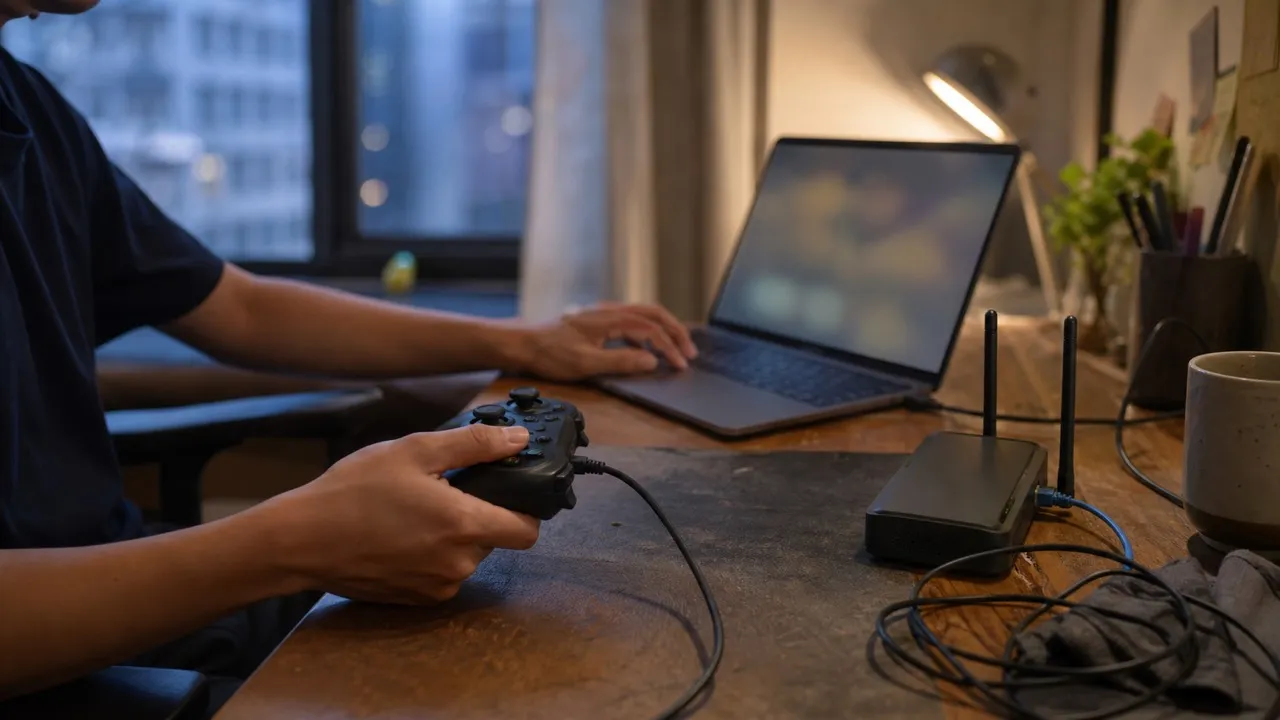
A VPN can improve an online game only when its route to the game server is better than the route your internet provider normally uses. It is not a universal ping booster: an extra VPN hop often raises latency, while a good route may reduce jitter, packet loss, or evening instability.
The useful question is therefore not “Are gaming VPNs faster?” but “Does this route make this game, server, and connection more consistent?” A short controlled test gives a better answer than any marketing promise.
Ping is only one part of how a match feels
Ping measures the time a packet takes to reach a destination and return. Lower is generally better, especially in shooters, fighting games, and rhythm games where a few frames can affect an action. Yet an average of 35 ms does not guarantee a smooth match.
Jitter is the variation between one response time and the next. A connection that jumps between 25 and 110 ms can feel worse than a steady 55 ms connection. Packet loss matters too: when packets disappear, the game may resend data, predict movement incorrectly, or show rubber-banding and delayed actions.
Frame rate, input delay, game-server load, and Wi-Fi interference can feel like network lag even though a VPN cannot fix them. Before changing routes, separate rendering problems from connection problems.
Why a VPN usually adds delay
A VPN sends traffic through an encrypted tunnel to a VPN server before it continues to the game server. Encryption is efficient on modern devices, but the extra server and physical distance still add work. Choosing a faraway location usually makes the path longer.
This is the same basic trade-off covered in why a VPN can slow internet, but games expose variation more clearly than downloads do. A video can buffer ahead; a live match cannot store your next move in advance.
For the most neutral first test, choose a VPN server geographically close to you or close to the game server, without guessing that a different country will be faster.
When a different route can actually help
Internet providers do not always send traffic along the shortest or least congested path. Networks exchange traffic through peering arrangements, and a route that looks direct on a map may pass through overloaded or unstable links.
A VPN changes the first part of that journey. If the VPN provider reaches the game network through a cleaner path, the new route may reduce packet loss or jitter even when average ping stays similar. This is most plausible when problems appear only with one game, one regional server, or during predictable evening hours.
The opposite can happen just as easily. A crowded VPN server, a distant location, or an inefficient exit route can make the match worse. That is why “VPN on” and “VPN off” should be treated as two routes to compare, not as good and bad modes.
Problems a VPN will not solve
A VPN cannot repair weak Wi-Fi, an overloaded home router, background uploads, thermal throttling, or a game server that is struggling for every player. It also cannot reduce the speed-of-light delay created by playing on another continent.
If every game lags on every device, start at home. Use Ethernet if practical, move closer to the router, pause cloud backups, and check whether another device is saturating the upload. Restarting networking equipment can clear a temporary fault, but repeated problems need diagnosis rather than a ritual reboot.
If only one title has problems, check its service-status page and community reports. If frame rate falls while offline play also stutters, investigate device performance instead of the network.
A fair five-minute comparison
Use the same device, home network, game region, and time window for both tests. First play or use the game’s network diagnostic with the VPN off. Record median ping, visible jitter or ping range, packet loss, and any disconnects.
Then connect to one nearby VPN server and repeat the same mode or diagnostic. Avoid switching three variables at once. Run more than one round because a single clean or bad minute may be random.
Keep the VPN route only if the improvement is repeatable and meaningful. A gain of steadier packet delivery may matter more than a one-millisecond change in average ping. If results are worse, switch it off or test one other sensible nearby route rather than cycling through distant countries.
Account rules and competitive integrity still apply
Some games, tournaments, storefronts, and anti-cheat systems restrict location changes, unusual login patterns, or VPN use. A sudden IP change can trigger verification, and using a VPN to misrepresent a region may violate service terms. Review the rules for the game and competition before connecting.
A VPN encrypts the route between your device and the VPN server, but it does not stop phishing, stolen session cookies, malicious downloads, or account takeovers. Use a unique password, enable multi-factor authentication, and obtain games and updates from official sources.
Privacy policy and operational trust matter because the VPN provider carries your traffic out of the tunnel. The broader selection criteria in how to choose a VPN are more useful than a “gaming” label by itself.
Build a stable setup before chasing the lowest number
The best gaming connection is not always the one with the lowest screenshot-ready ping. It is the route that remains predictable through a whole session, without packet loss, sudden spikes, or avoidable disconnects.
Fix local Wi-Fi and background traffic first. Then compare a nearby VPN route against the normal route under the same conditions. If the tunnel consistently avoids a bad network path, keep it for that game and region; if it adds delay or instability, leave it off. Evidence from your own connection is the deciding factor.