Family Online Safety: Helping Children and Older Relatives Stay Safer
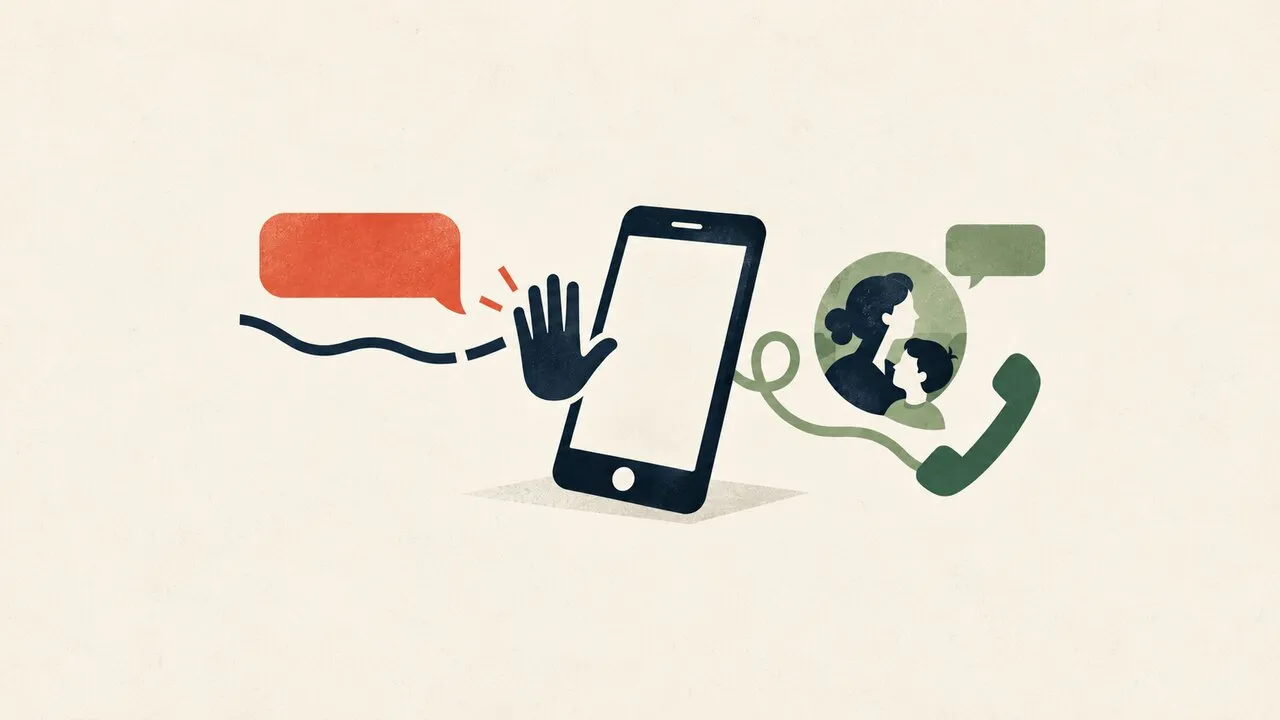
Family online safety starts with shared rules: children need clear boundaries and a trusted adult to ask, while older relatives need an easy way to verify unexpected requests. Separate accounts, safer purchase settings, and a rehearsed response to suspicious messages make those rules practical. A VPN can protect the network connection, but it cannot decide whether a caller is really your relative.
Start with a family conversation, not a device inspection
Ask each person what they enjoy online and what makes them uncomfortable. A child may worry about losing game access after reporting a stranger; a grandparent may avoid asking for help because they expect a lecture. Agree that asking early will receive help first. Discuss any device checks openly, explain their purpose, and adjust them as children grow.
The Australian eSafety family tech agreement offers a collaborative starting point. Use it to decide when devices can be used, what information stays private, and who can help. For a household where grandparents provide after-school care, share the same purchase and contact rules with every carer so the child does not receive conflicting instructions.
Give children boundaries they can actually use
Choose age-appropriate services and review who can message the child, see their profile, or invite them into private groups. Check purchase approval options and avoid leaving an adult’s payment account open on a shared device. Parental controls can support these decisions, but availability depends on the device and service; they cannot catch every harmful interaction.
Practise a simple response to pressure: stop replying, leave the conversation, and tell a trusted adult. Explain that offers of game currency, requests for private photos, and instructions to keep a friendship secret deserve help immediately. If bullying happens, record relevant usernames and times without reposting harmful content. Do not download or circulate sexual images of children; seek appropriate local reporting advice instead.
Make unexpected money requests a two-channel decision
Agree that nobody sends money, shares a verification code, or installs remote-control software just because a message sounds urgent. End the conversation and call the relative using an existing saved number. If they cannot be reached, contact another trusted family member. A familiar profile photo or voice is not sufficient proof; our guide to voice-cloning scams explains that particular risk.
For English-speaking families spread across Southeast Asia, choose a backup contact who is awake in another time zone. A missed call during someone’s workday should not force an immediate transfer. Singapore’s ScamShield guidance on fake-friend calls also advises contacting the bank immediately and making a police report if you think you have been scammed.
Keep shared devices from becoming shared identities
Use separate accounts where practical, unique passwords, and additional sign-in verification where supported. Keep recovery information current and store backup codes securely, away from casual access. A helper should explain changes and leave the account owner able to use their own account; collecting everyone’s passwords in a family chat creates another exposure.
Update devices and the home router through their official update methods. A consumer VPN does not provide parental supervision or stop a fake payment page. Its role is the connection between the device and VPN server, with limits described in what a VPN protects. It also cannot undo information someone voluntarily sends to a stranger.
Rehearse the first response before a real incident
If money has been sent, contact the bank or payment provider promptly through a known official channel. If credentials were disclosed, change the affected password from a trusted device, review signed-in devices, and secure recovery details. If remote access was installed, stop the session and disconnect that device from the network while arranging trusted technical help.
Keep relevant messages, transaction references, and a short timeline for reports. Never pay an unsolicited recovery service promising guaranteed refunds. After the immediate risk is contained, revisit the family agreement without blame: identify the moment pressure replaced verification and make the next safe action easier to take.