When a Family Member's Voice May Be Fake: How to Stop AI Voice-Cloning Scams

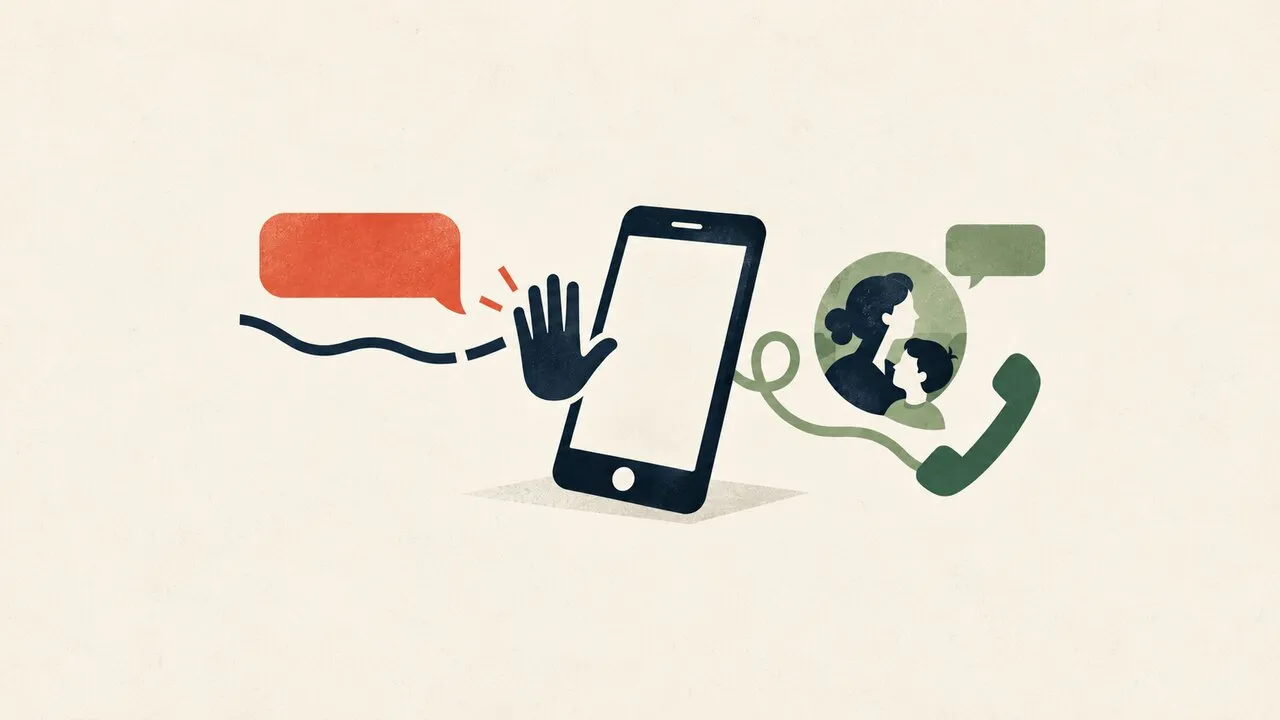
A caller who sounds exactly like your child, parent, or partner may still be an impostor using cloned audio. Do not try to settle the question by listening harder: end the call, contact the person through a number or account you already trust, and confirm the story with someone else before money or personal data moves.
Voice cloning changes one familiar signal, not the basic scam. The safest response is a family verification routine that still works when a voice sounds real and the situation feels urgent.
Why a convincing voice is not identity proof
People naturally recognize relatives by rhythm, accent, pet phrases, and emotion. Synthetic audio can imitate enough of those qualities to create a powerful first impression. A scammer can then strengthen the illusion with public details such as a name, workplace, travel photo, or family relationship.
None of those details prove that the caller controls the real person’s phone or account. Treat the voice as part of the caller’s claim, not as independent evidence.
Audio quality is also a poor test. Background noise, a short sentence, crying, or a claimed injury can explain away odd pronunciation and prevent a normal conversation. A perfectly natural call can be fraudulent, while a genuine relative on a bad connection can sound strange. Verification should therefore depend on a separate route, not on detecting artifacts.
The emergency script is designed to keep you inside the call
Family-impersonation scams often combine three pressures: an urgent problem, a request for secrecy, and a payment method that must be used immediately. The caller may claim to be in an accident, detained, stranded, hospitalized, or unable to access an account. Another person may join as a supposed lawyer, doctor, police officer, or colleague.
Notice the action being requested. Requests to transfer money to a new recipient, buy gift cards, send cryptocurrency, reveal a one-time code, install remote-access software, or avoid another relative deserve an immediate stop. The story may change when you question it, but the pressure to act quickly usually remains.
Do not let caller ID settle the issue. The displayed number can be unfamiliar, recently changed, or presented as part of the story. Use contact information that existed before the emergency instead.
Use a two-channel verification routine
First, hang up. Call the relative’s saved number yourself or open the messaging account you normally use with them. If they do not answer, contact another family member, housemate, colleague, school, or travel companion who can check their situation independently.
Second, ask about the event without repeating every detail the caller supplied. A scammer should not get extra facts from you to refine the story. A shared-memory question may help, but it is only a supporting check because answers can leak through social media or earlier account compromise.
Third, verify the payment separately. Look up the hospital, police station, bank, or travel provider through its official website or app. Do not use a number, link, or account supplied during the suspicious call.
Build a family plan before anyone is frightened
Choose a family verification phrase that is not posted online or stored in a public group description. Decide who should be contacted when the person at the center of an emergency cannot answer. Make sure older relatives and teenagers know that hanging up is a safety step, not a refusal to help.
Write the plan in plain language: no urgent payment based on one call; no secrecy from the rest of the family; no account code shared by phone; and no new recipient approved without a second person checking. Review the plan after phone numbers, schools, caregivers, or travel arrangements change.
Reduce easy source material as well. Public clips can reveal voices, names, routines, and relationships. You do not need to disappear from social media, but avoid posting travel timing, family contact details, or long clean voice recordings when there is no reason to make them public. Our guide to AI chatbot privacy covers the same principle for information submitted to AI services.
If money or account access has already been shared
Contact the bank, card issuer, transfer service, or payment app immediately using its official channel. Ask whether the transaction can be stopped or marked as fraud. Speed matters, but do not keep negotiating with the caller.
If you revealed a password or one-time code, change the password from a trusted device, revoke unfamiliar sessions, inspect recovery details, and tell the provider that an impostor may have gained access. Preserve call records, messages, recipient details, receipts, and the time of each event for the relevant fraud-reporting or police process.
Tell the person whose voice was imitated and warn close contacts. A scammer who has one convincing story may reuse it against other relatives. For a wider response covering fake messages, video, and login pages, see our AI phishing and deepfake protection checklist.
A VPN protects the connection, not the caller’s identity
A VPN can encrypt traffic between your device and the VPN server, which is useful when you check accounts on a shared network. It cannot authenticate a voice, validate an emergency, undo a transfer, or prevent you from voluntarily sharing a code.
Use network protection as one layer alongside independent callbacks, account security, payment controls, and family communication. When the voice itself can be fabricated, the winning move is not better listening. It is moving the decision to a channel the caller does not control.