Bali and Southeast Asia Digital Nomads: A Practical Internet Security Kit
Working from Bali or elsewhere in Southeast Asia calls for a tested primary connection, an independent mobile backup, and protected devices and accounts. Café Wi-Fi can suit low-risk tasks, but client calls and confidential work need a location you have checked with your actual tools. A VPN adds connection privacy; it cannot supply missing bandwidth or authorize sharing client data.
Book a working base before choosing your daily café
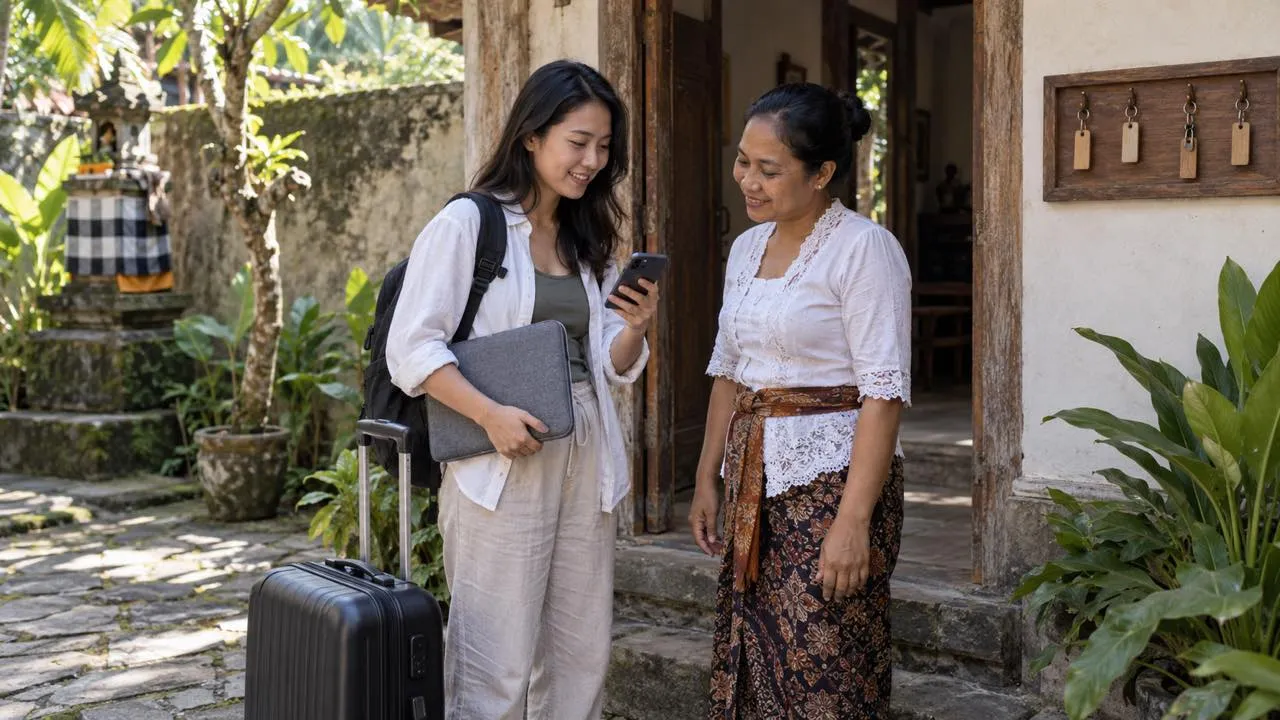
A villa listing that says “fast Wi-Fi” is a starting point for questions, not evidence that your room can support a working week. Ask whether the connection is shared with other rooms, whether there is a quiet calling area, and who can help when the router stops responding. Find out whether backup power covers network equipment as well as lights. Do not assume any of these facilities are included.
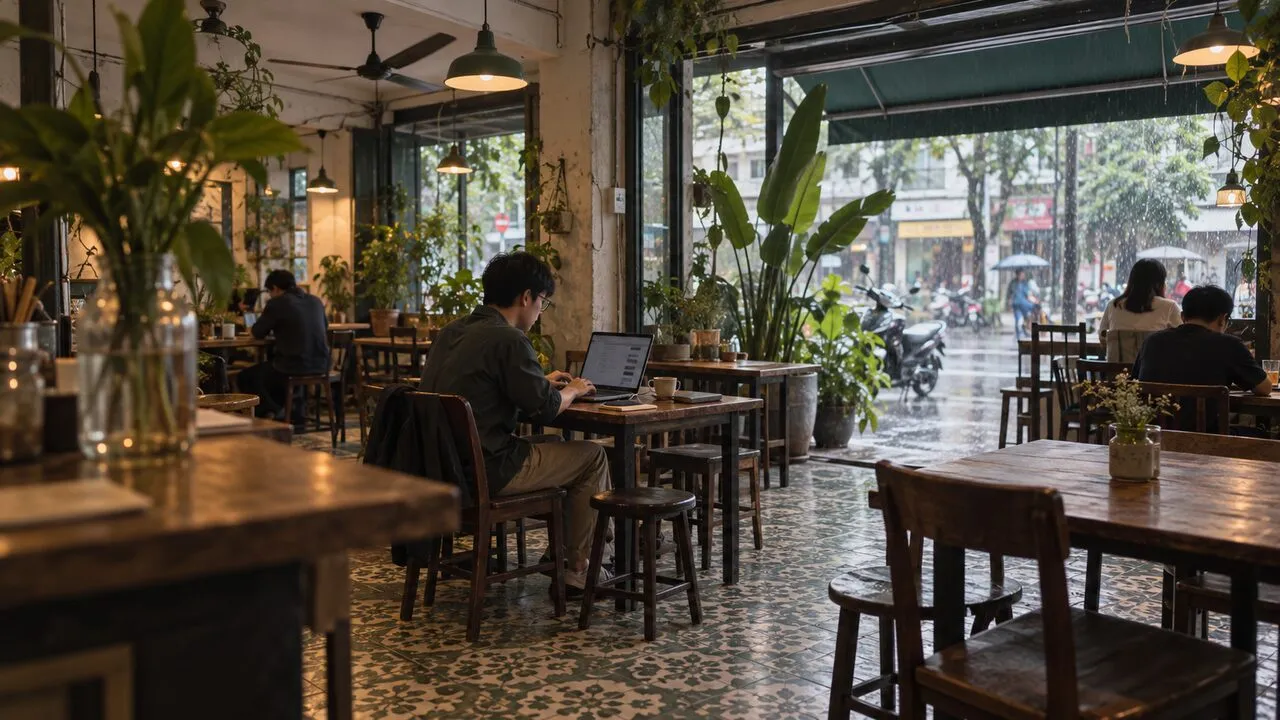
In Canggu, Ubud, or another base, compare the accommodation with a nearby coworking option. Request a short trial before committing to a long membership. Test the room or seat you will actually use, at the hour your clients expect you online. A reception-area speed test says little about an upstairs bedroom during an evening meeting.
For freelancers serving clients in Europe or North America, check the workspace’s evening access and call-room rules against your meeting calendar. A pleasant daytime café is not automatically a usable office after dark. Keep the address of a second suitable workspace available offline.
Test a work session, not just a download number
Join a test call, share a harmless screen, and upload a sample file. Watch for delayed audio, repeated reconnects, and inconsistent upload performance. Google Meet’s troubleshooting guidance recommends checking bandwidth and latency over time when assessing connection stability.
Repeat the test with any employer-required VPN or approved security software running. If performance deteriorates, contact IT rather than bypassing its controls. Separate a local Wi-Fi problem from a provider outage: try another seat, then your mobile connection, using the same device and task. Change one thing at a time so the result tells you something.
Pack equipment that covers distinct failures
| Item | What it helps with | What to verify before departure |
|---|---|---|
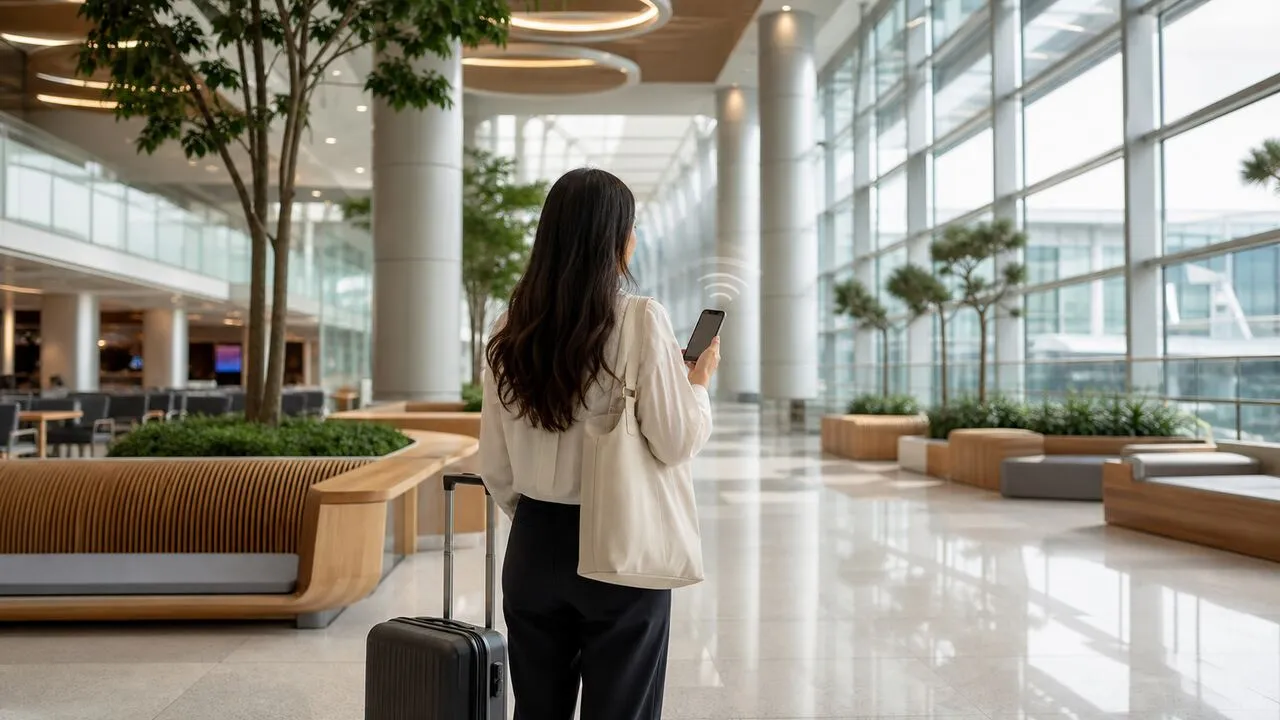
| Phone with a usable SIM or eSIM | A route independent of the venue’s fixed connection | Compatibility, hotspot permission, validity, coverage and data allowance |
| Charger, suitable plug adapter and spare cable | Keeping devices usable through a long session | Charger input rating and the destination’s sockets |
| Power bank | Maintaining the phone backup away from a socket | Capacity for your device and the airline’s carriage rules |
| Headset and optional privacy filter | Limiting accidental disclosure to nearby people | Microphone performance and viewing angles |
| Ethernet adapter and cable | Avoiding a weak Wi-Fi link where wired access is permitted | Port compatibility and venue permission |
A travel router is optional. It can simplify connecting your own devices, but still depends on the upstream connection. Check venue rules and update its firmware; do not treat it as a replacement for a mobile backup.
Activate the backup before the first deadline
For an Indonesian tourist SIM, use an official operator channel. Telkomsel’s eligibility notice specifies passport and IMEI validation for its Tourist Prepaid Card. Check current activation and validity terms for your stay instead of assuming a short-trip product will cover several months.
Turn off the venue Wi-Fi and test laptop tethering, a short call, and account access. Keep enough mobile data for an urgent meeting; postpone large sync jobs until the primary connection returns. Two eSIM brands may use the same underlying operator, so check that detail before describing them as independent backups. When moving to Thailand, Vietnam, or another destination, repeat these checks rather than carrying Indonesian assumptions across borders. Our travel connection comparison explains the different roles of mobile service and a VPN.
Protect the device even when the connection works
Verify the network name with staff, use the official service address, and stop at certificate warnings. The FTC explains that HTTPS protects data in transit, but cannot make a fraudulent destination trustworthy. Turn off unnecessary sharing and avoid installing certificates or remote-control software offered by a Wi-Fi login page.
Use unique passwords, multi-factor authentication, automatic screen locking, and device encryption. Store recovery material securely and separately from the laptop; never leave it in an unprotected note. Follow client rules for approved devices and storage. A personal privacy VPN does not replace a company access VPN, protect an unlocked laptop, or make a public call confidential. For the risks of the café itself, see our café work security guide.
Rehearse what happens when a call drops
Save the draft locally, tell the other participants you are changing connections, switch to the tested hotspot, and rejoin. Check whether a file upload completed before sending it again. If mobile service is also unusable, move to the second workspace or continue offline and agree on a new delivery time.
Keep a brief record of which location, network, and time failed. That helps you decide whether tomorrow’s important call belongs in a coworking room rather than at the same café. A workable nomad setup is one you can recover with, not merely one that passed a speed test once.