
Are Hotel and Airport Wi-Fi Safe? Real Risks and Simple Protection Tips
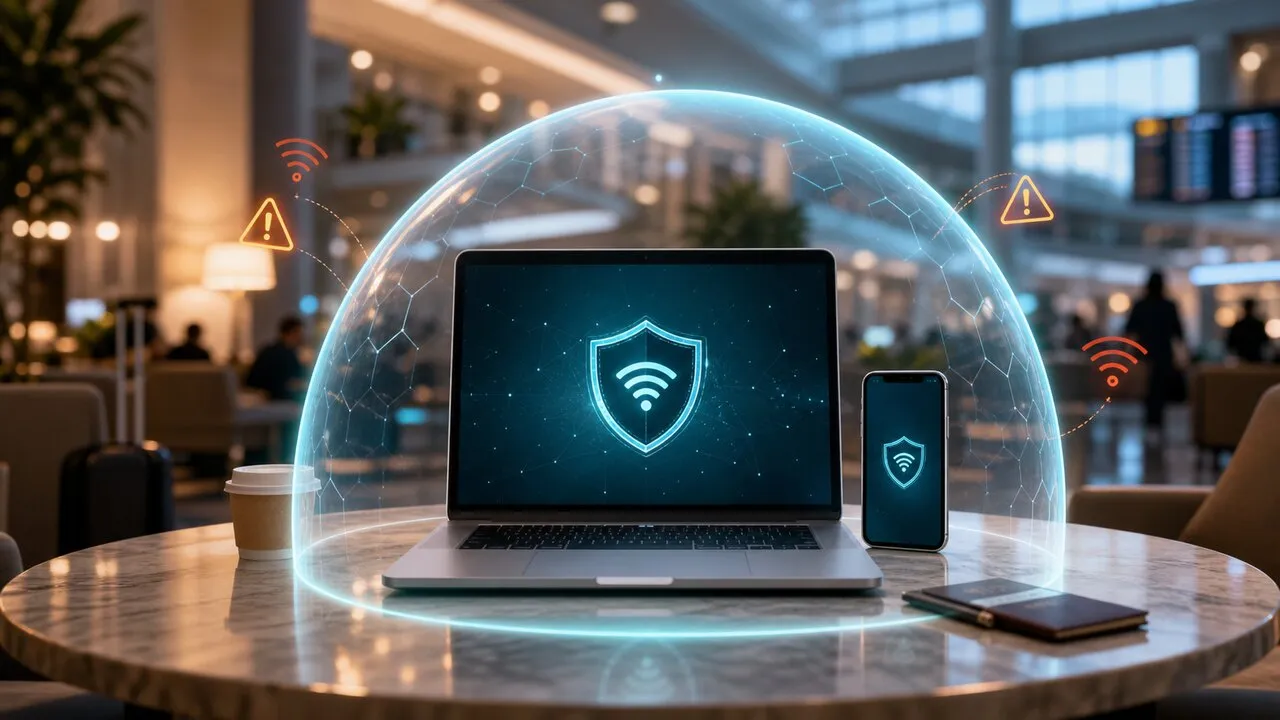
Hotel and airport Wi-Fi aren’t off-limits, but they are two different risk environments: airports are crowded, chaotic, and full of people in a hurry; hotels keep you on the same unknown network for days, logged in to everything. Understanding how each one fails is more useful than memorizing a generic list of rules.
Airport Wi-Fi: attackers love people in a hurry
Airports attract attackers for three reasons: huge foot traffic, rushed travelers, and everyone hunting for free internet. The classic move is the evil twin — an open hotspot named almost identically to the official one (“Airport_Free_WiFi” vs. “Airport Free WiFi”). Someone rushing to answer a message won’t notice the difference, and once connected, their traffic flows through the attacker’s equipment.
And what you do at an airport is rarely trivial: changing flights, pulling up booking codes, reading work email, making a payment before boarding.
The practical defenses: check the posted official network name before connecting; turn the VPN on before opening email or banking; and when truly rushed, do the sensitive thing on mobile data or roaming instead.
Hotel Wi-Fi: the network you trust most and can verify least
Hotel Wi-Fi fails differently. It usually has a login page — room number plus surname — which feels like security. It isn’t: that’s an identity check, not encryption, and after logging in you typically share a network segment with other guests.
The deeper issue is that hotel network equipment is completely invisible to you. How old is the router? Is it configured properly? Has it been tampered with? Guests have no way to know — yet you’ll spend several nights on this network, logged in to more accounts than you’d ever touch at an airport: email, banking, work systems, shopping.
The practical defenses: confirm the official Wi-Fi name with the front desk (fake hotspots appear around hotels too); enter only the minimum the login page requires; turn on the VPN before using your accounts; and never log in to anything on the lobby’s public computer.
What a VPN does in both places
A VPN encrypts your traffic before it leaves your device and enters the shared network. Even if the network itself is untrustworthy — an evil twin, an outdated router, strangers on your segment — what they see is encrypted traffic. It won’t spot a fake login page or block a phishing email, but it turns the unanswerable question “can I trust this network?” into one that barely matters.
Lubi VPN is tuned for Asia-Pacific routes: one tap, a nearby node, connected in seconds — fast enough that you’ll actually do it while rushing for a gate.
Conclusion
Airport Wi-Fi punishes haste with fake hotspots; hotel Wi-Fi exposes many accounts for days on equipment nobody can audit. The shared fix is the same simple sequence: confirm the official name, VPN on, then accounts. For a complete pre-connection routine, see the public Wi-Fi safety checklist.